System Flow
How a request becomes a company on Synaptic
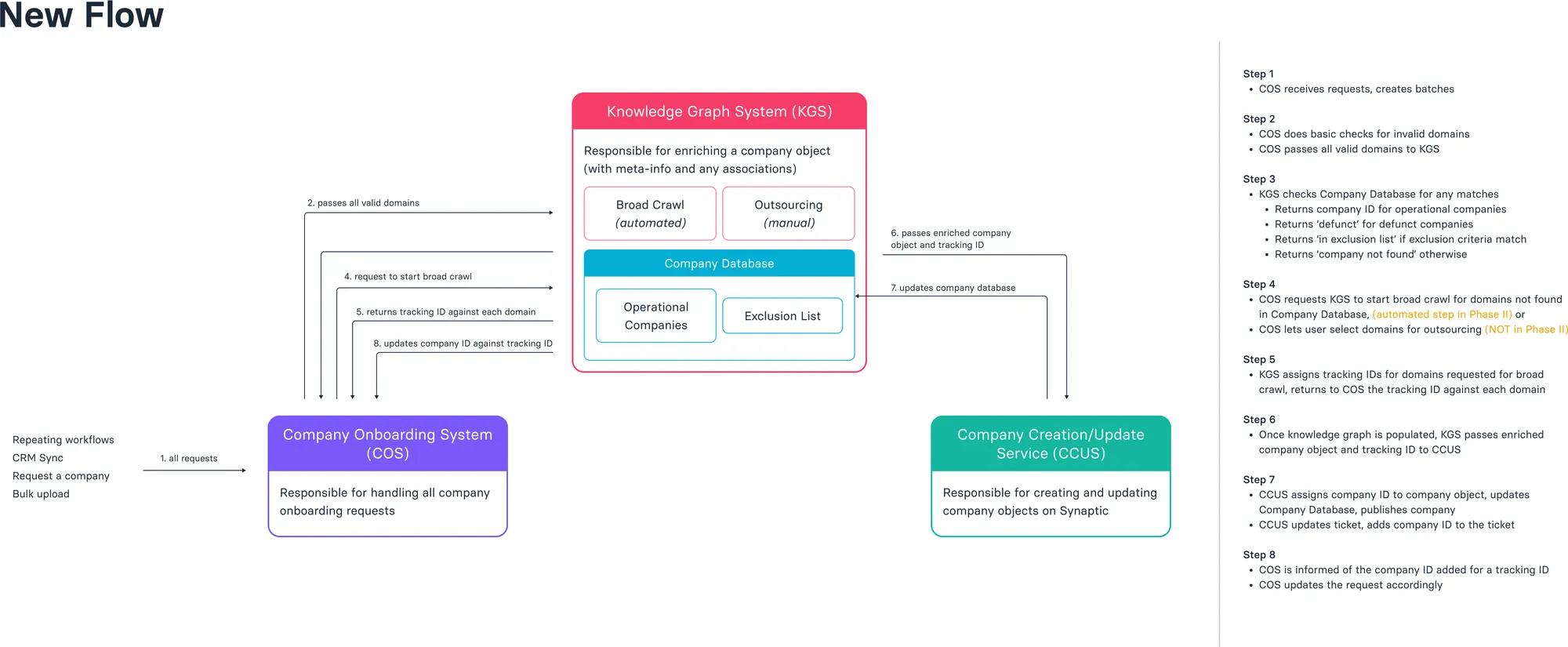
Requests from repeating workflows, CRM sync, single requests and bulk uploads are batched, enriched by broad crawl or outsourcing, then published as company objects
Batches
Default view
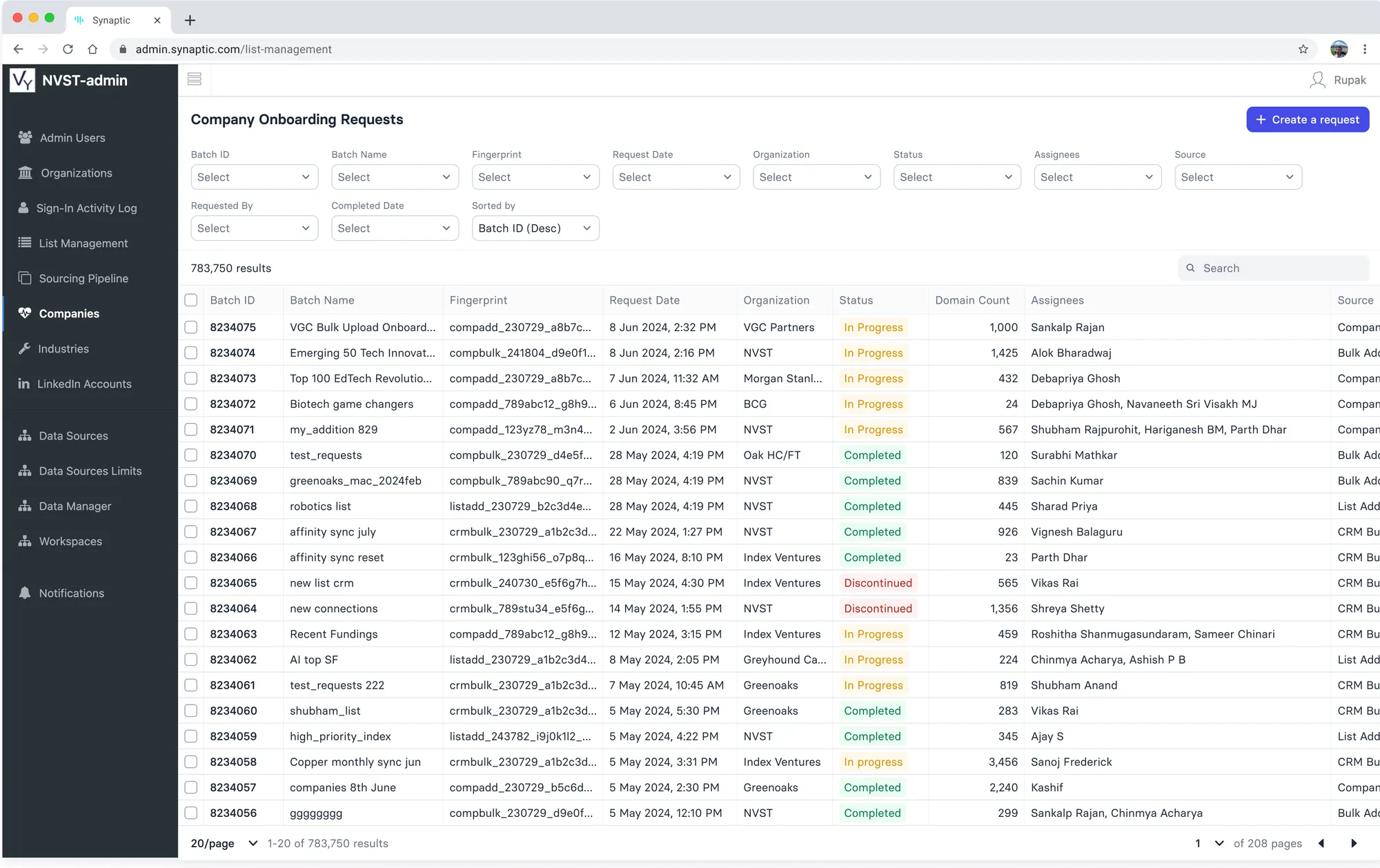
Every request is a batch: fingerprint, organisation, status, domain count, assignees and source
Tracking a Batch
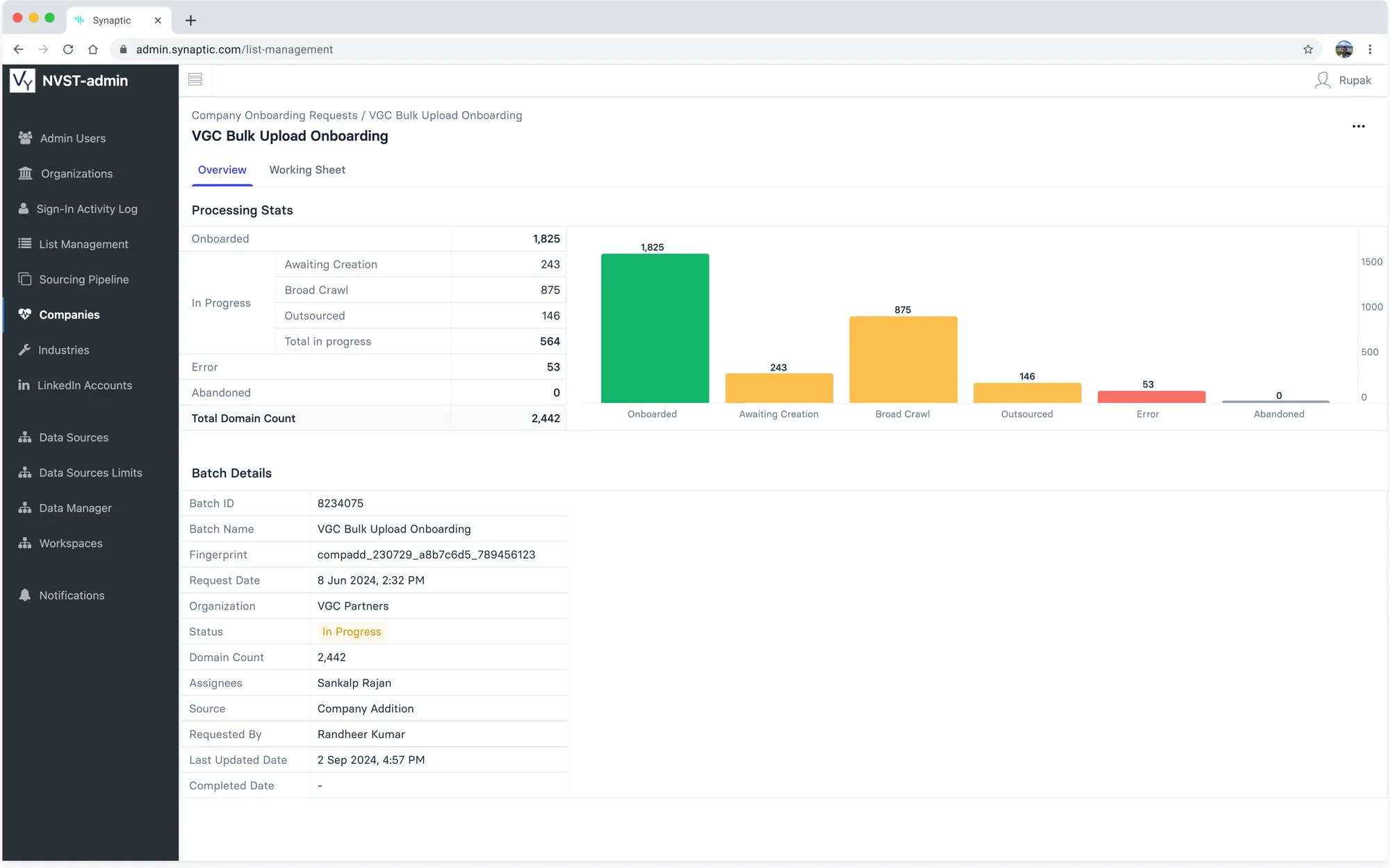
Overview: onboarded, in progress (awaiting creation, broad crawl, outsourced), errors and abandoned
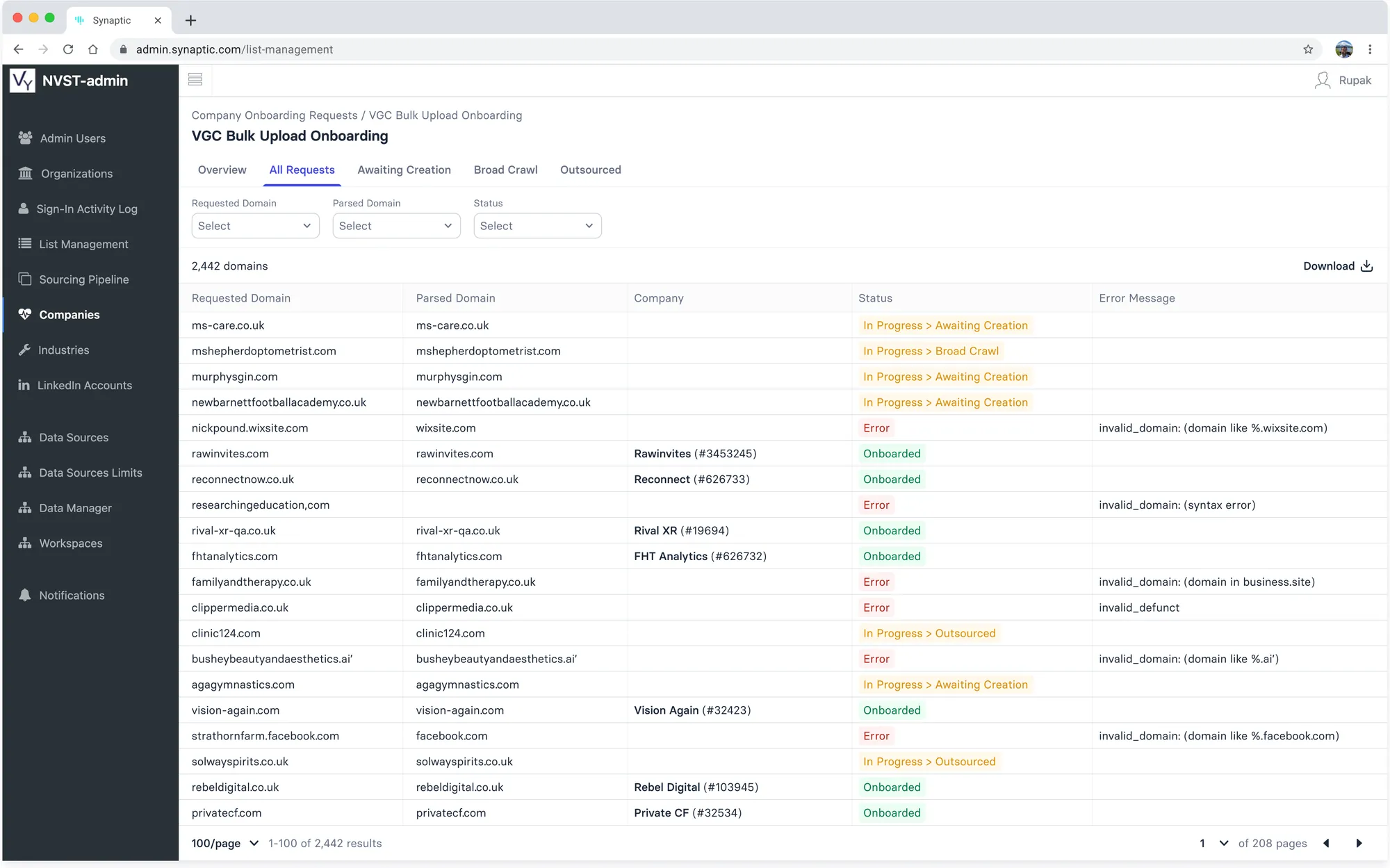
All Requests: per-domain status and error message
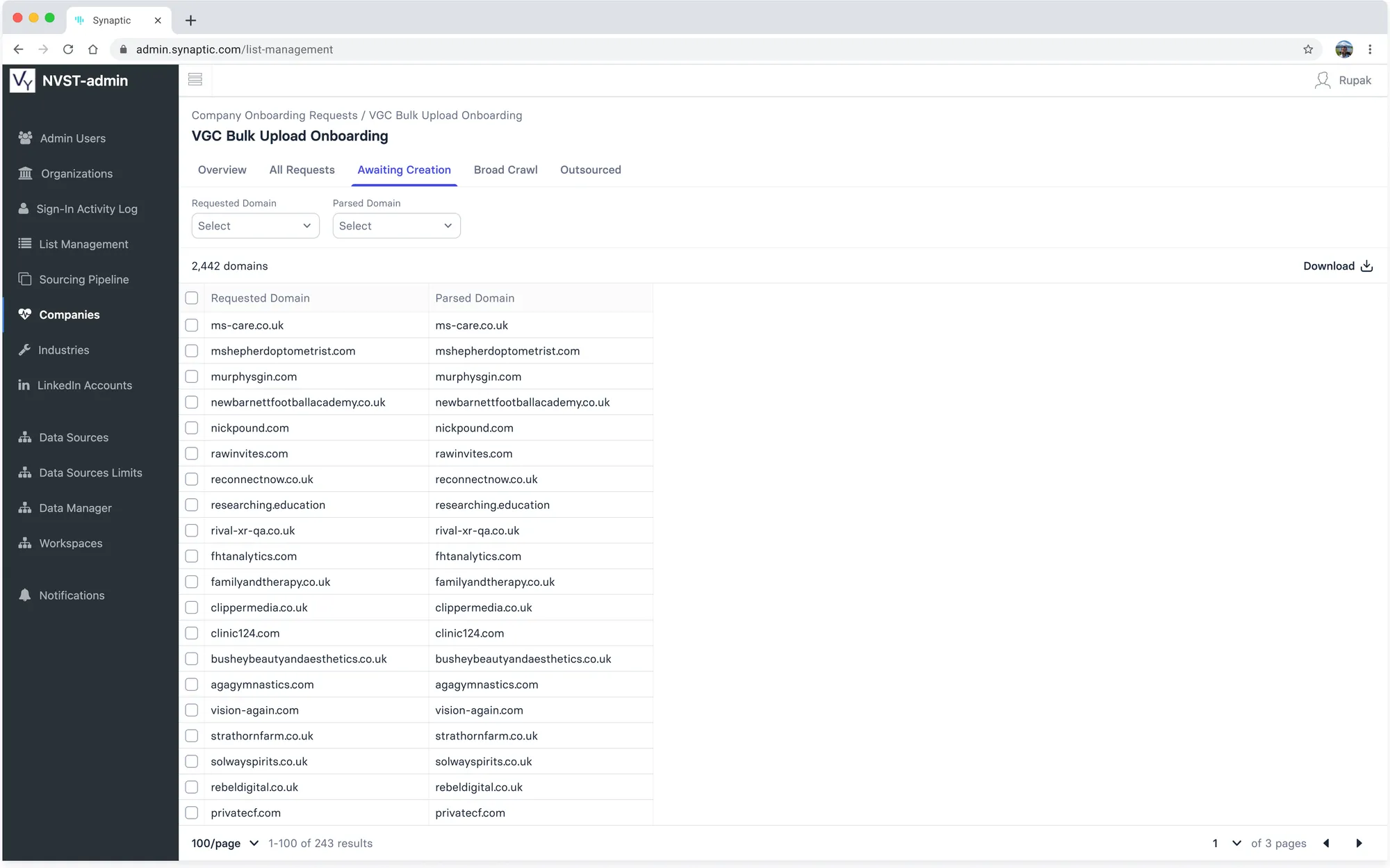
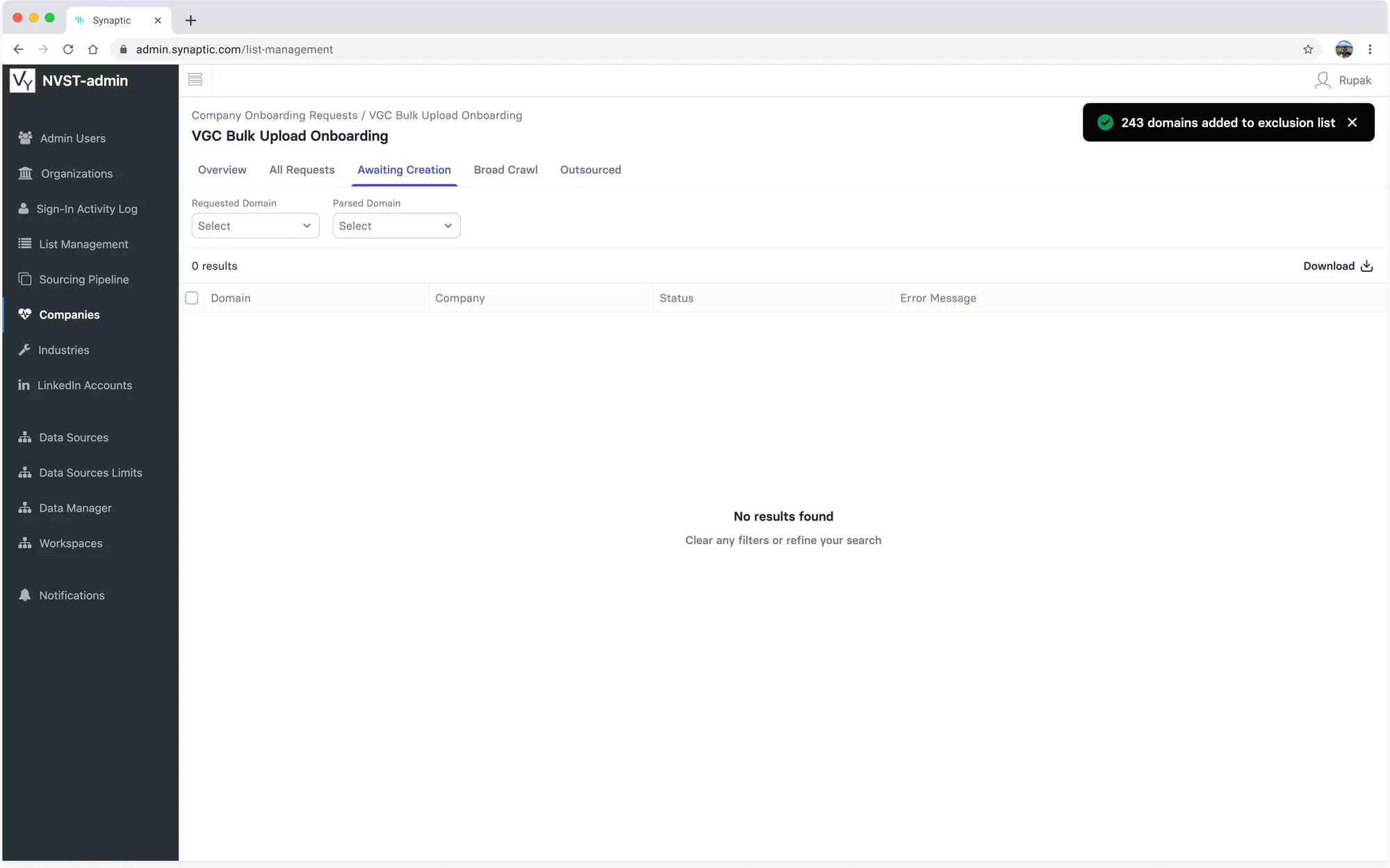
Awaiting Creation
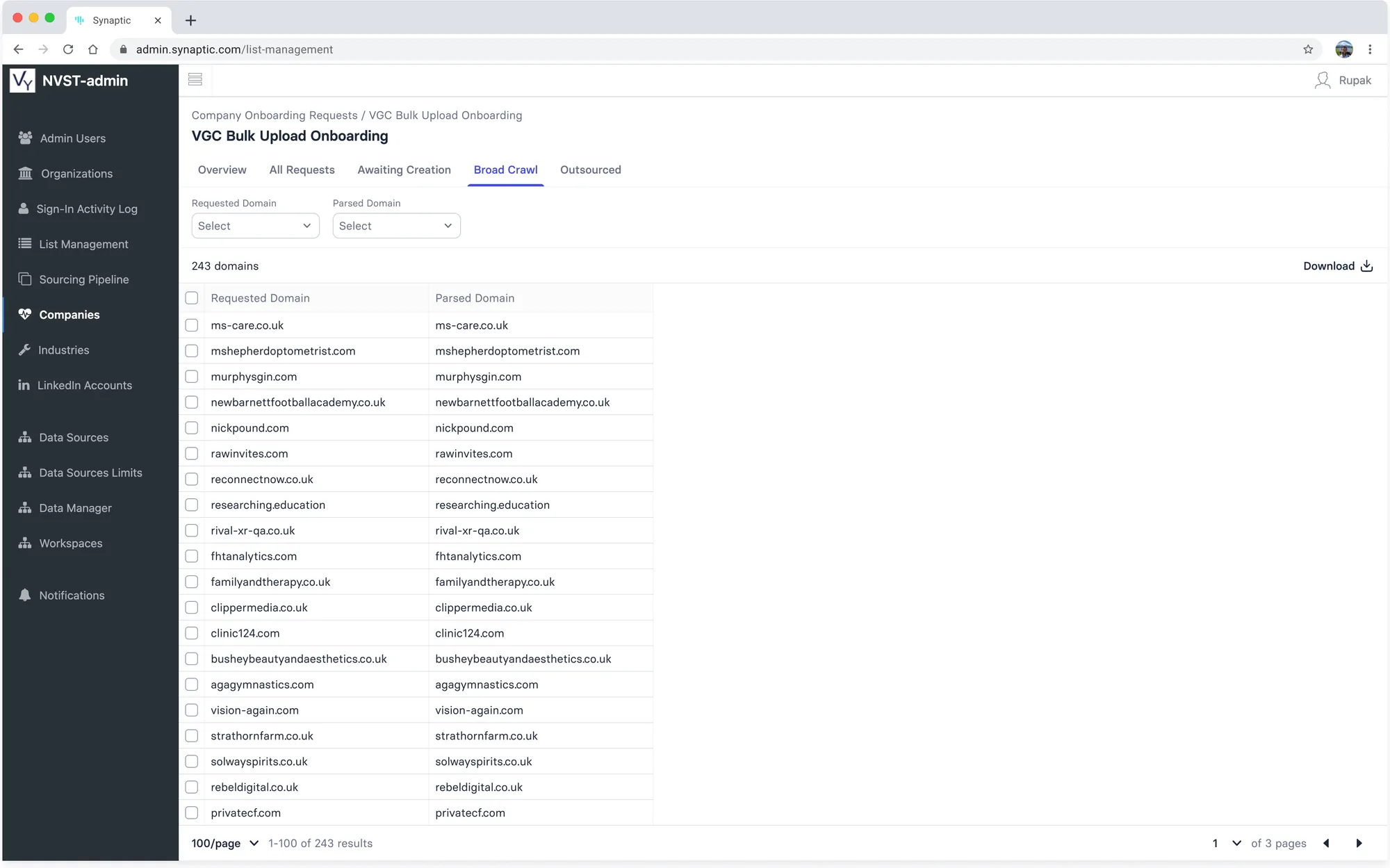
Broad Crawl
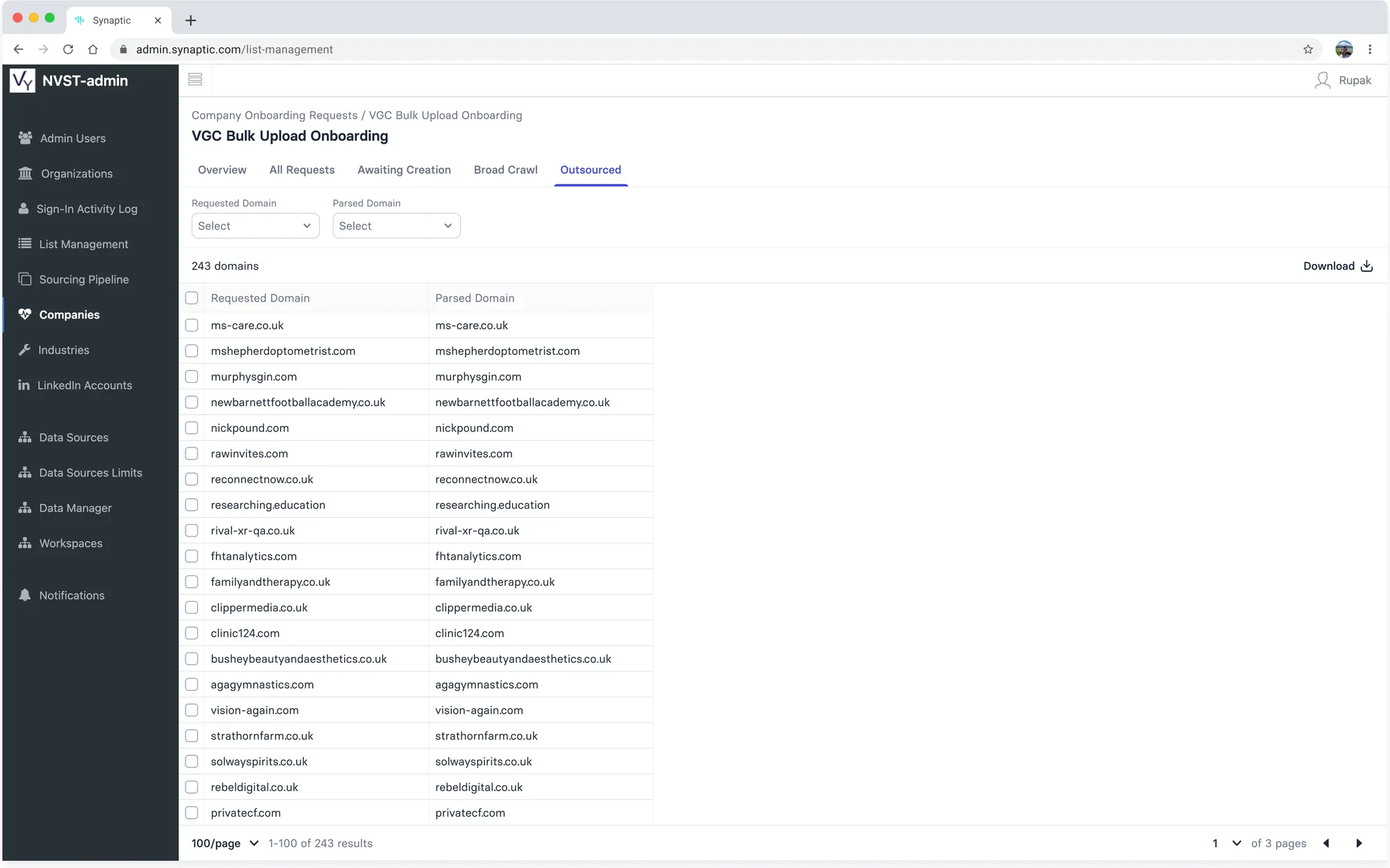
Outsourced
Updating Status
Enrichment actions on domains awaiting creation
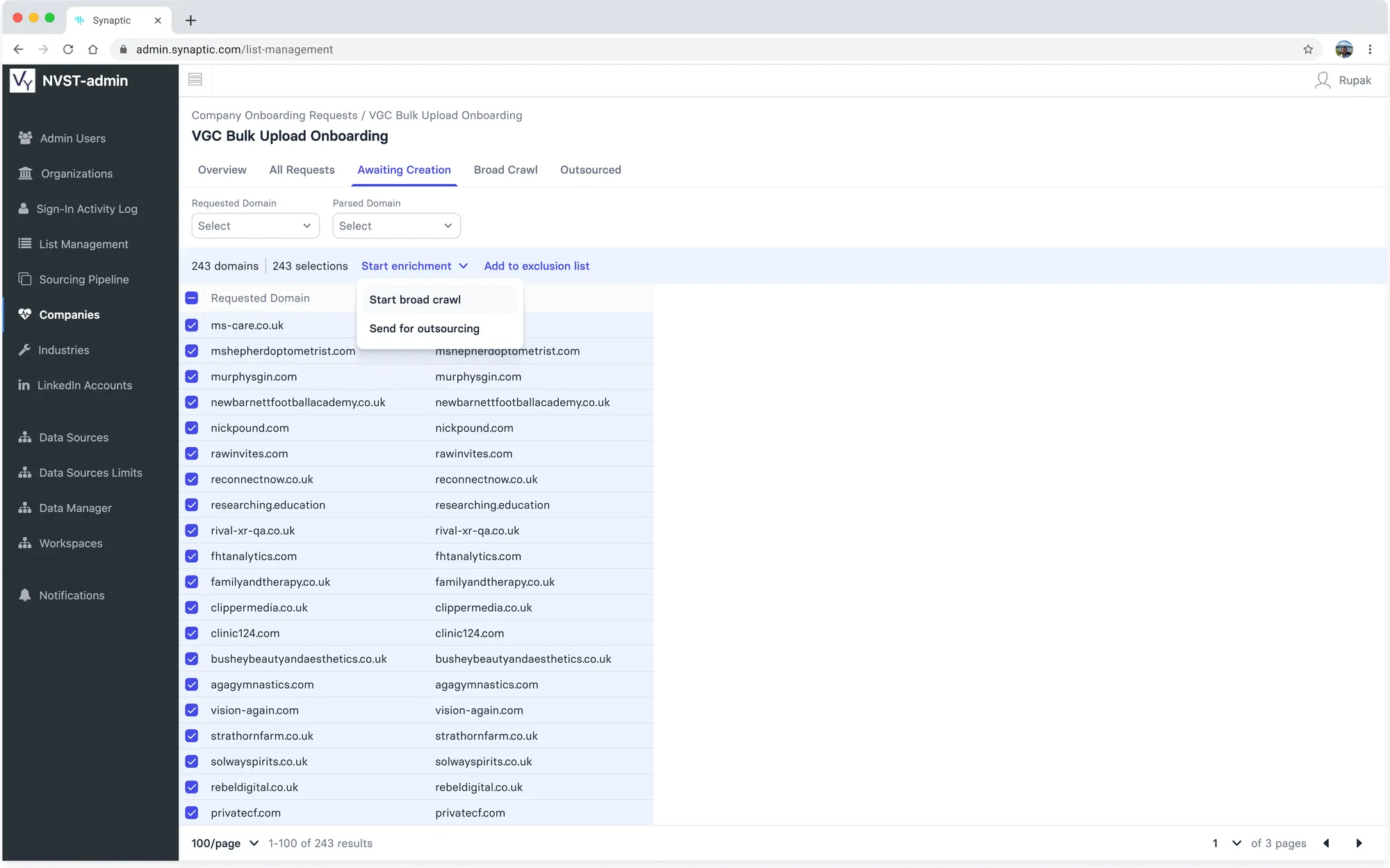
Start enrichment: broad crawl or send for outsourcing
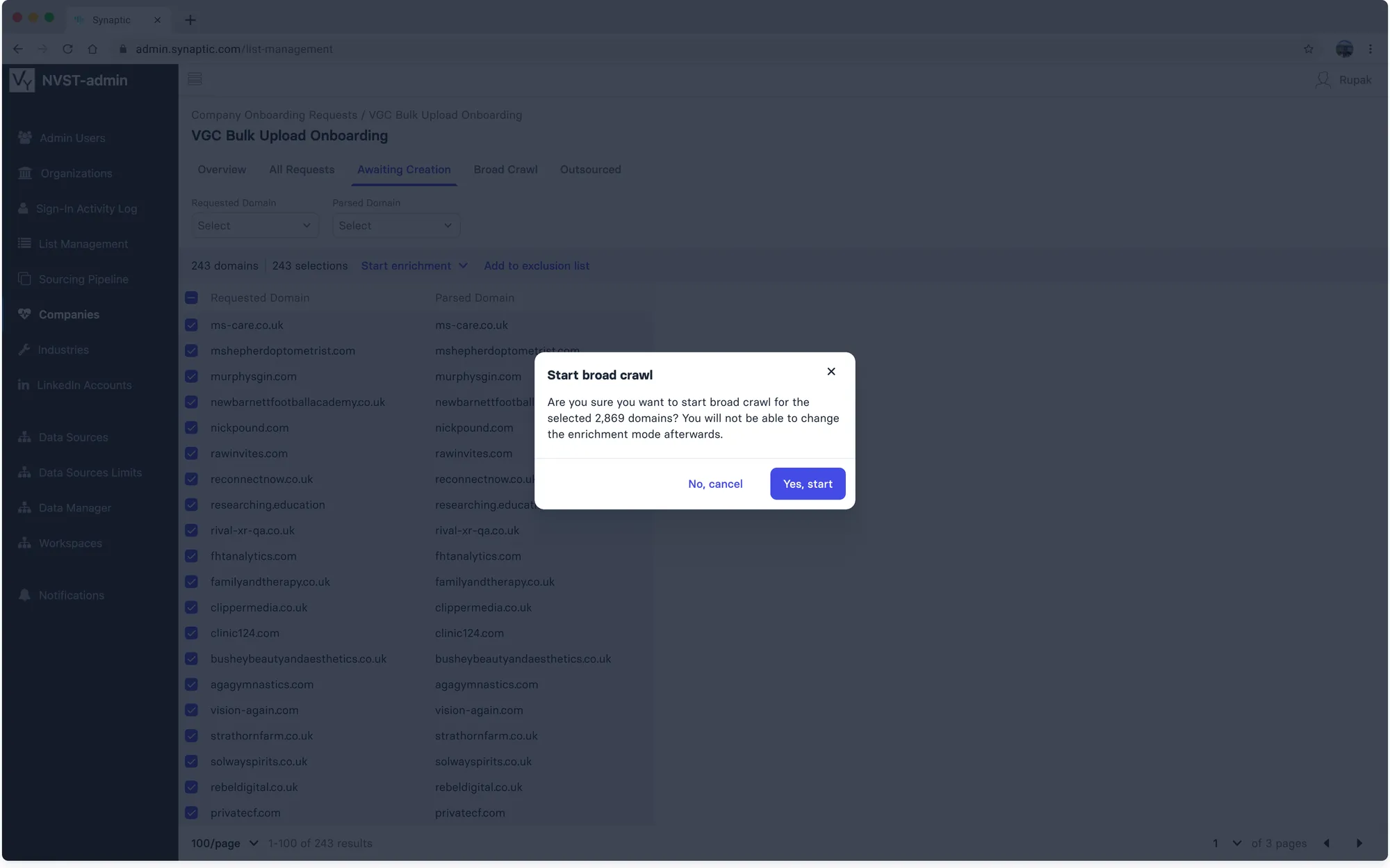
Confirmation, since the enrichment mode cannot be changed afterwards
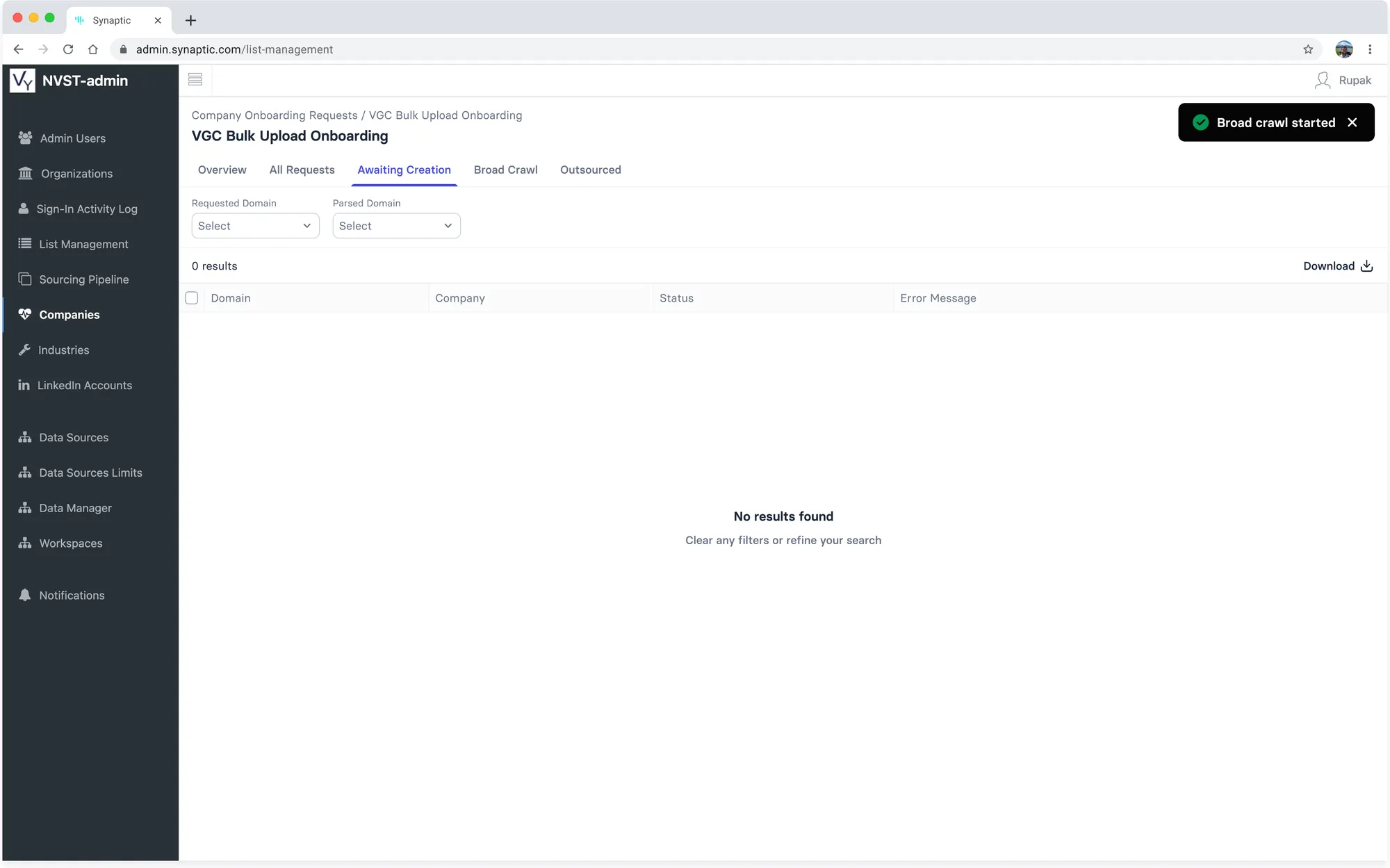
Broad crawl started; the domains leave Awaiting Creation
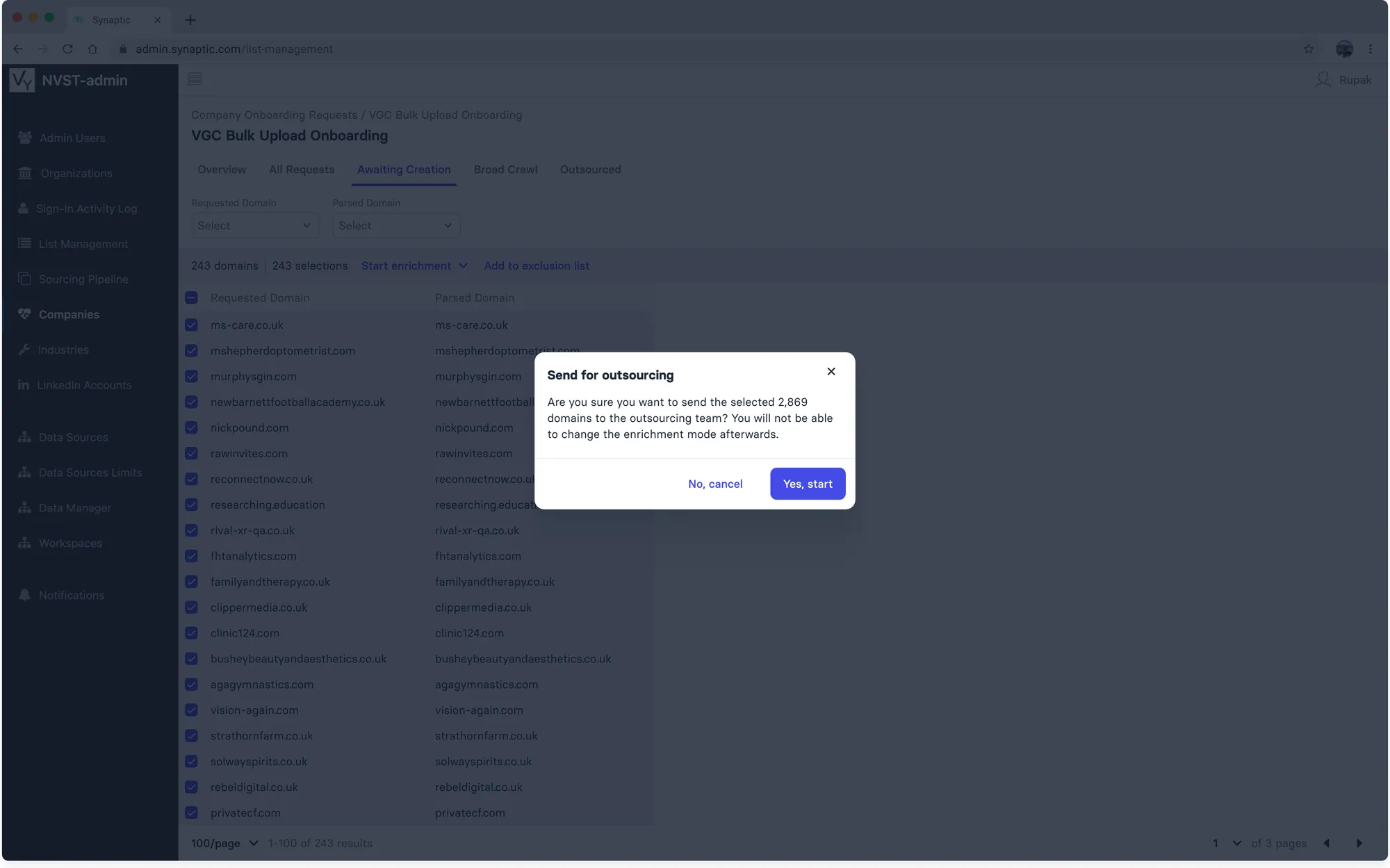
Send for outsourcing
Exclusion List
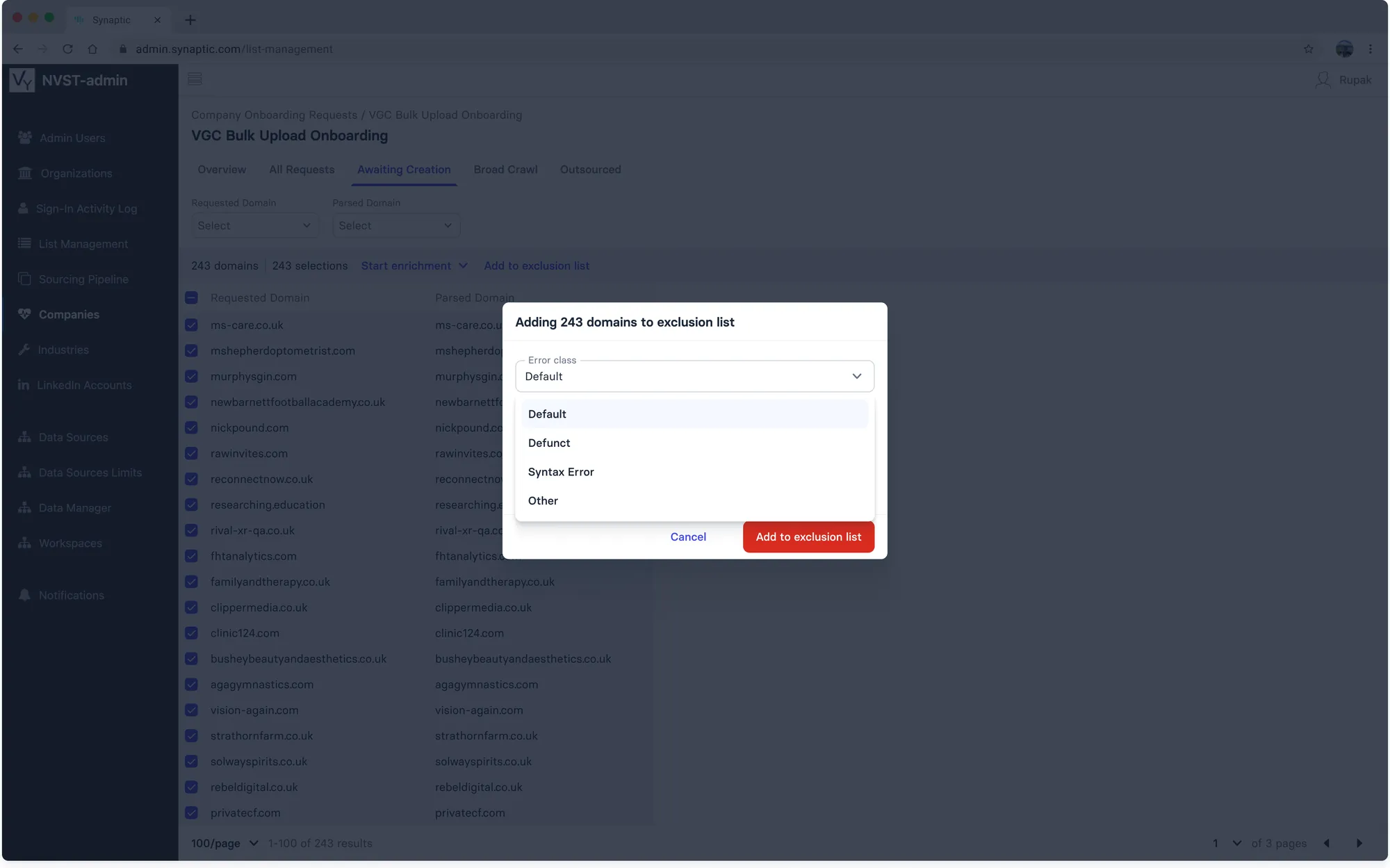
Error class (default, defunct, syntax error, other) and an optional message
Tracking Multiple Batches
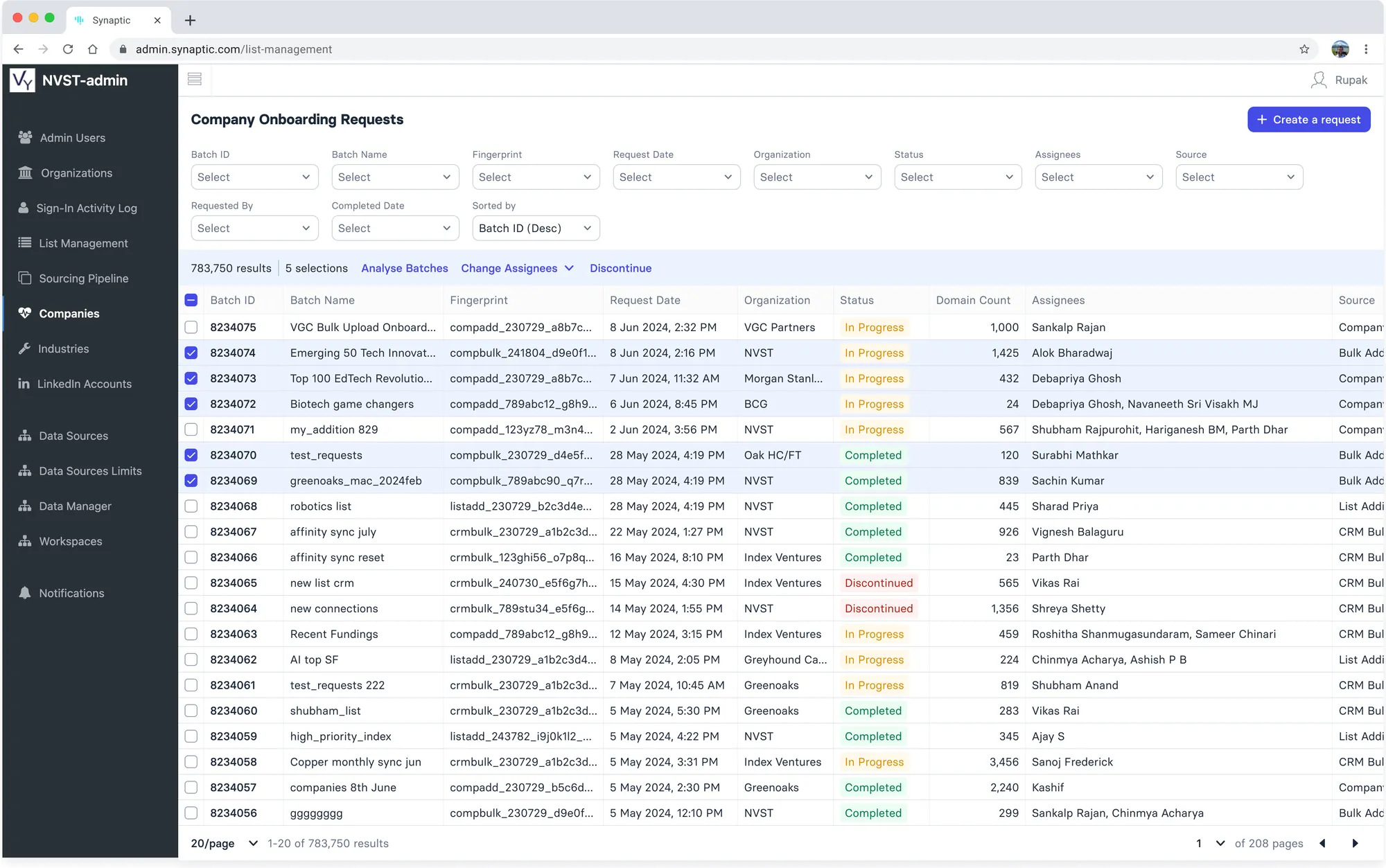
Select batches, then Analyse Batches
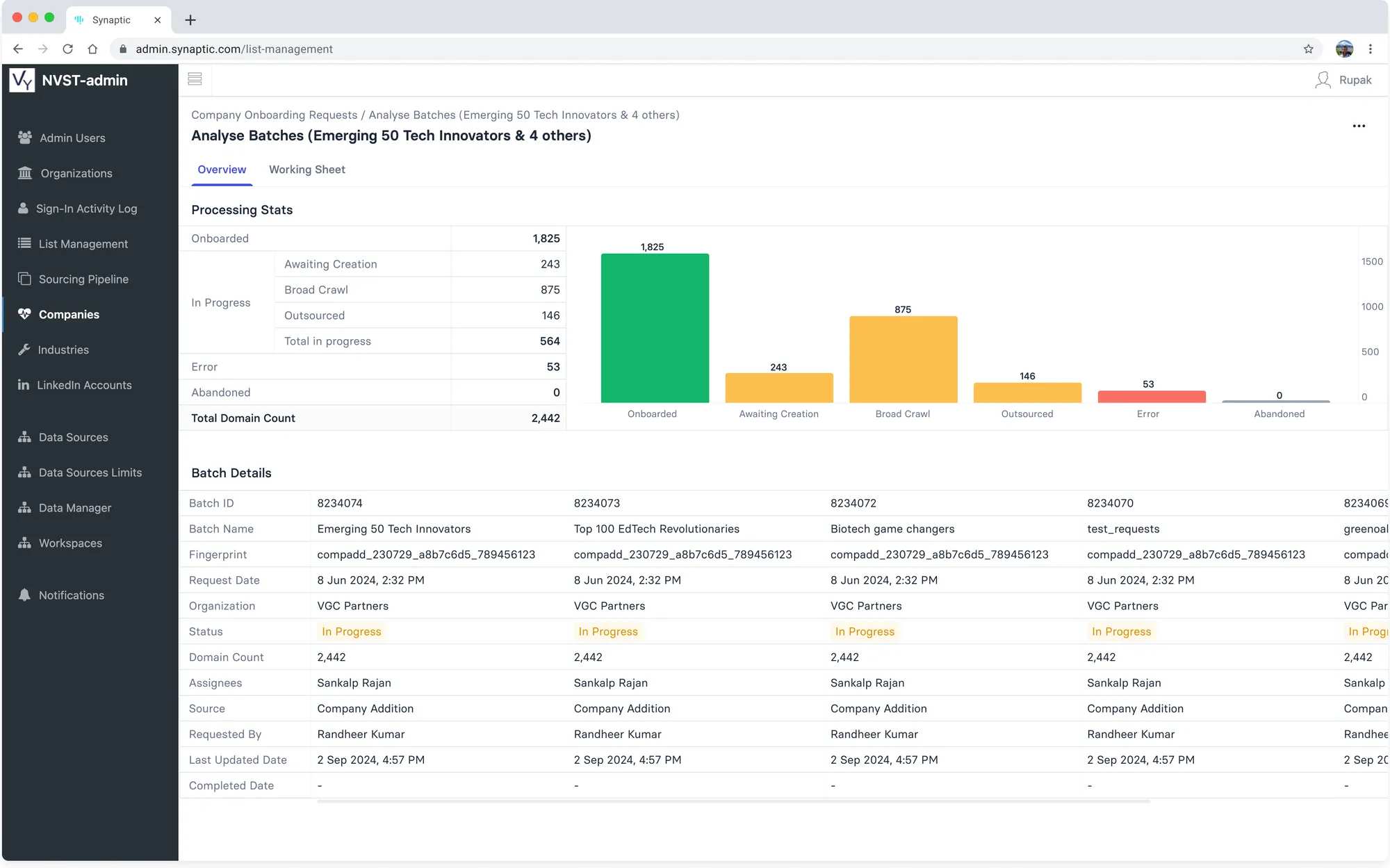
Combined processing stats with batch details side by side
Discontinue a Batch
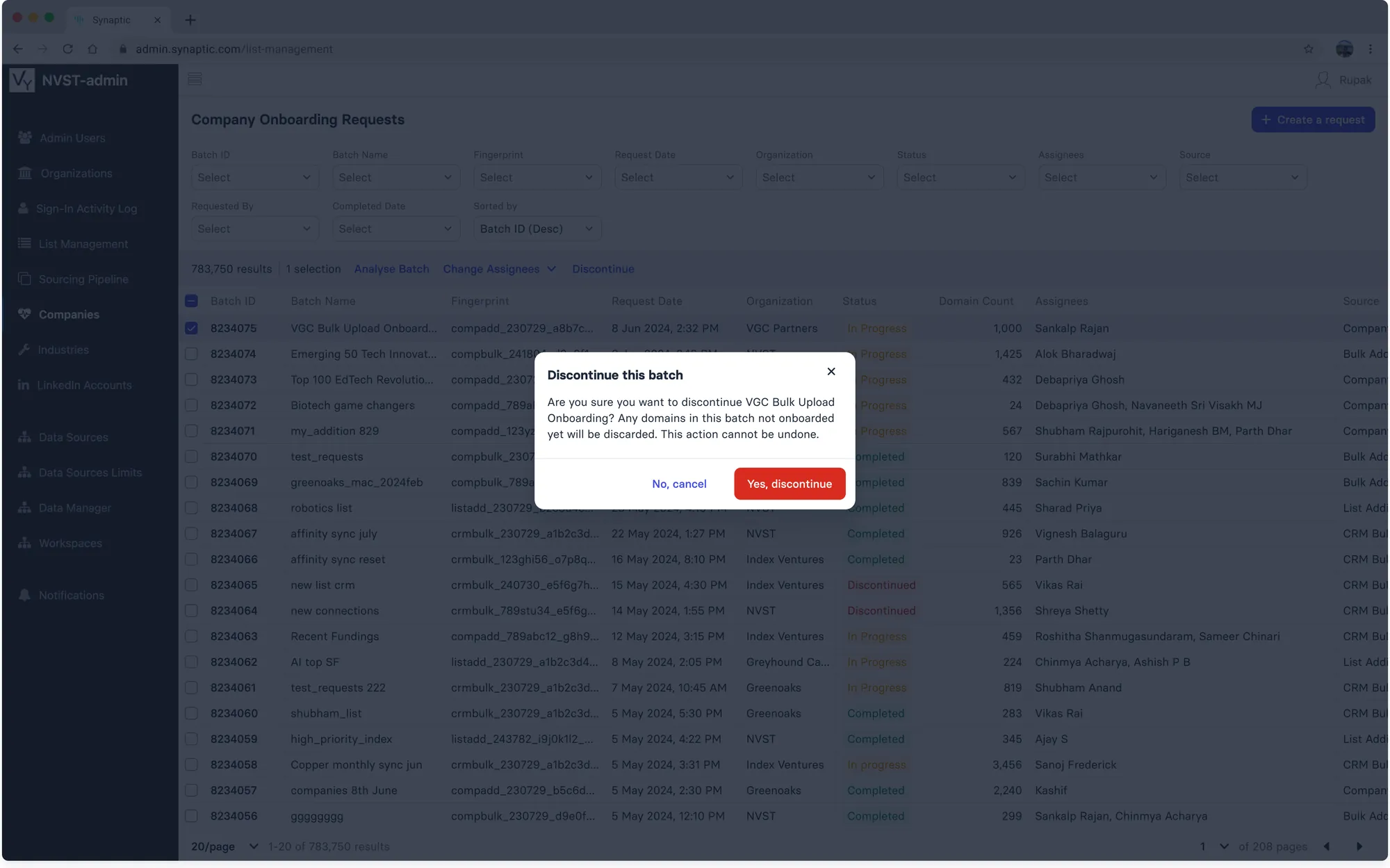
Domains not yet onboarded are discarded; the action cannot be undone
Changing Assignees
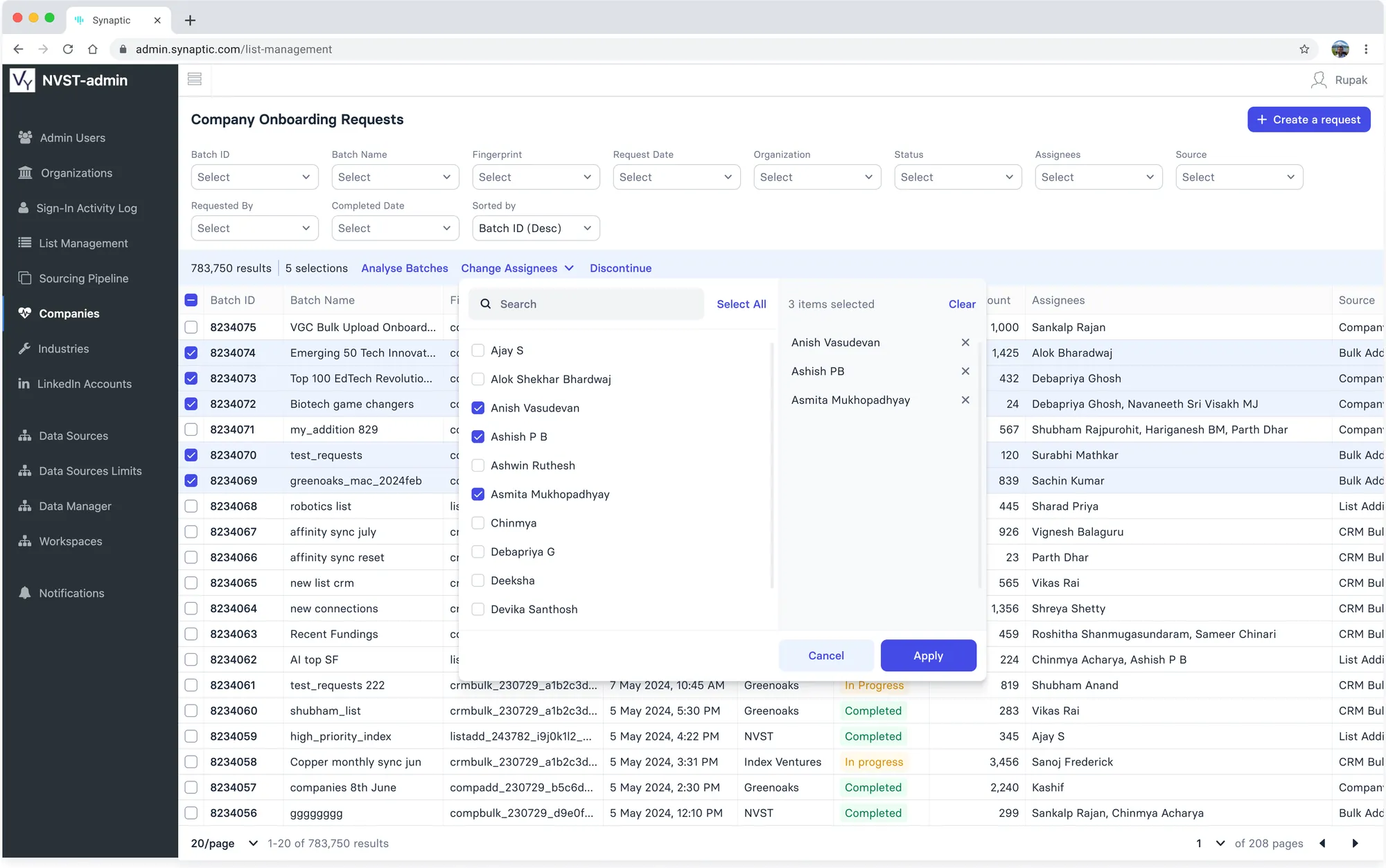
Assignees are set by default logic; select users can reassign batches
Detailed Count
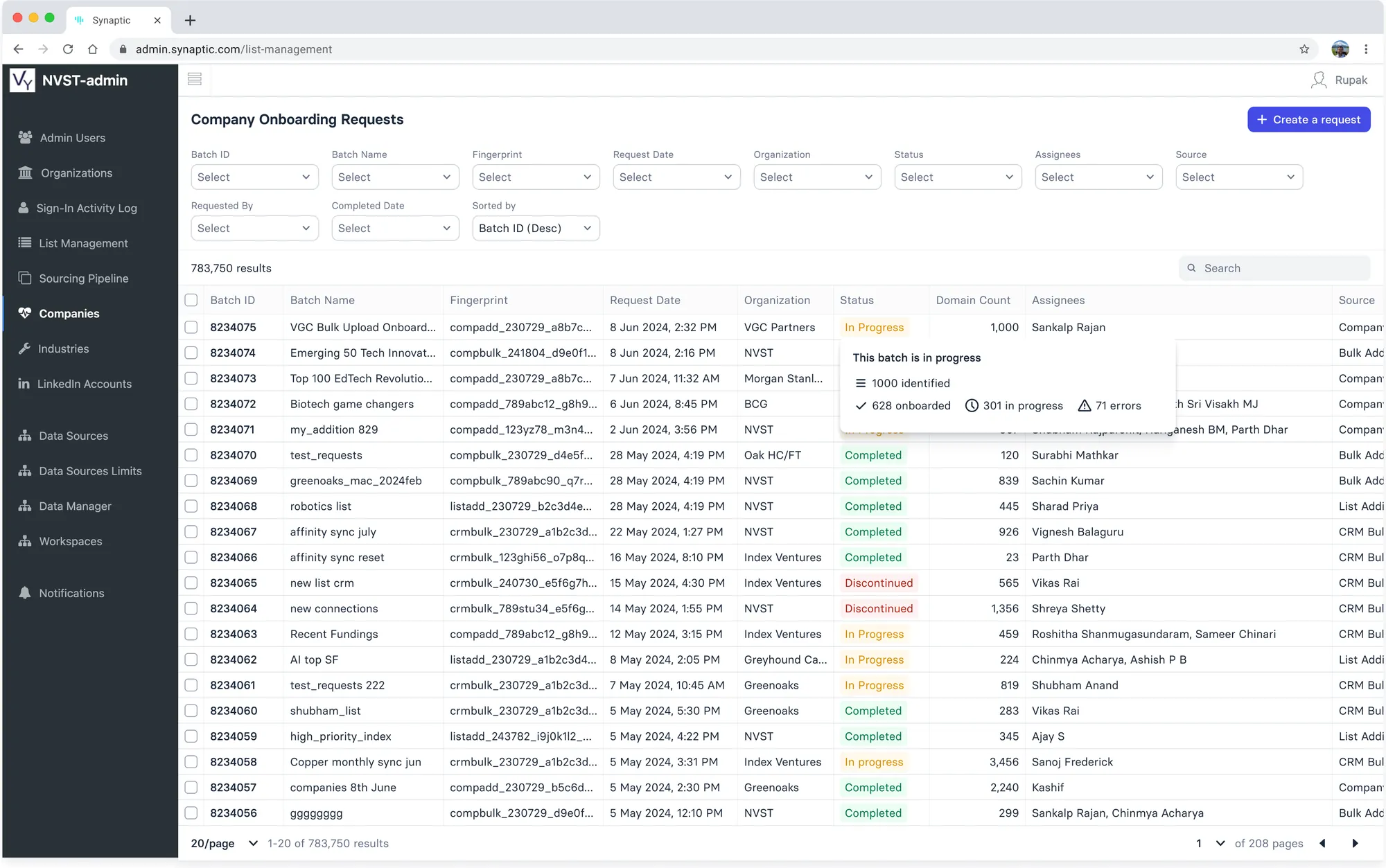
Hovering a status shows identified, onboarded, in-progress and error counts
Create a Request
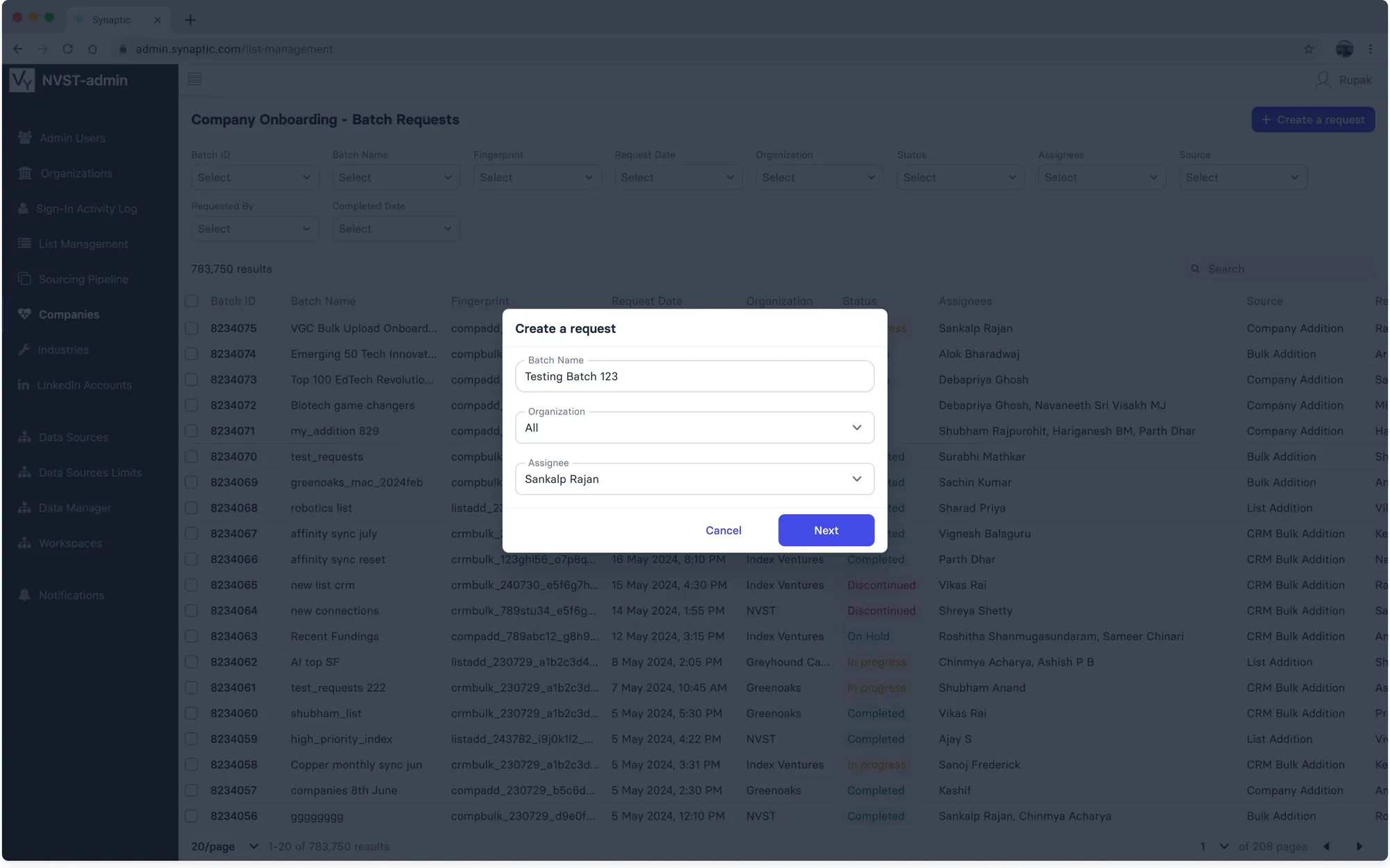
Batch name, organisation and assignee
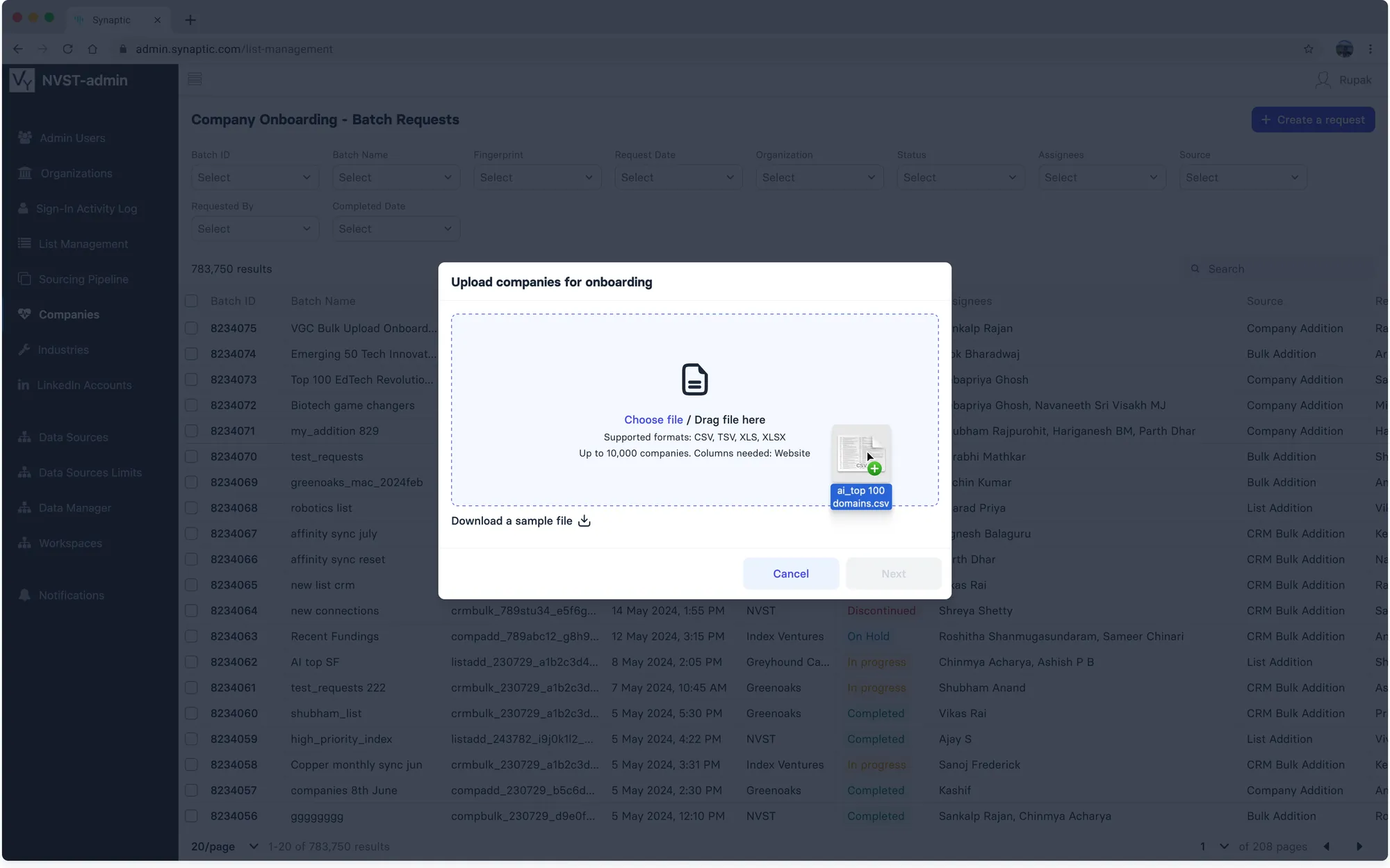
Upload a CSV, TSV, XLS or XLSX of up to 10,000 companies
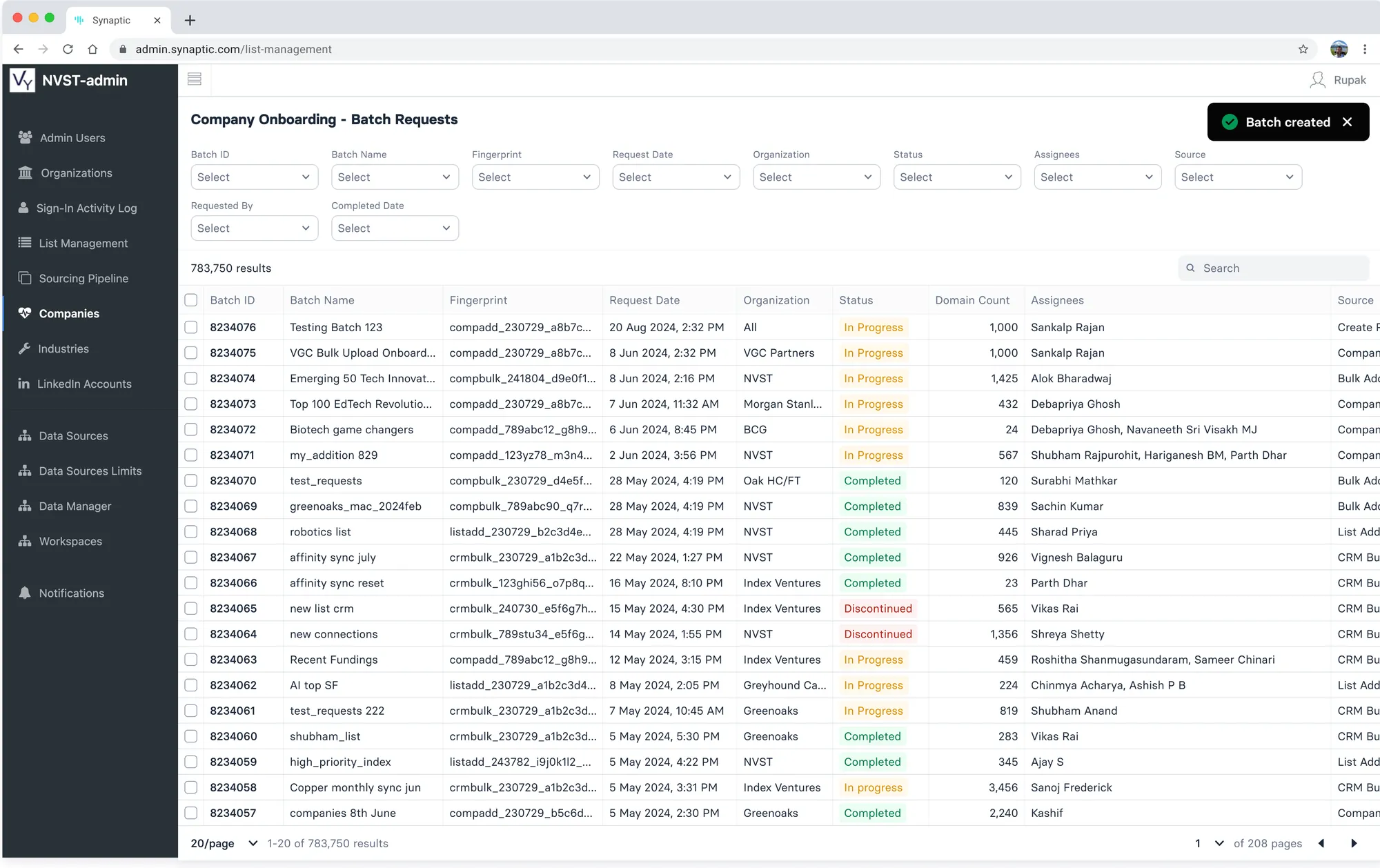
Automated Batch Creation
- Company requests and CRM syncs are collated into org-specific batches, queued, and moved to In Progress at 8:30 am every day, or immediately once a batch crosses a size threshold
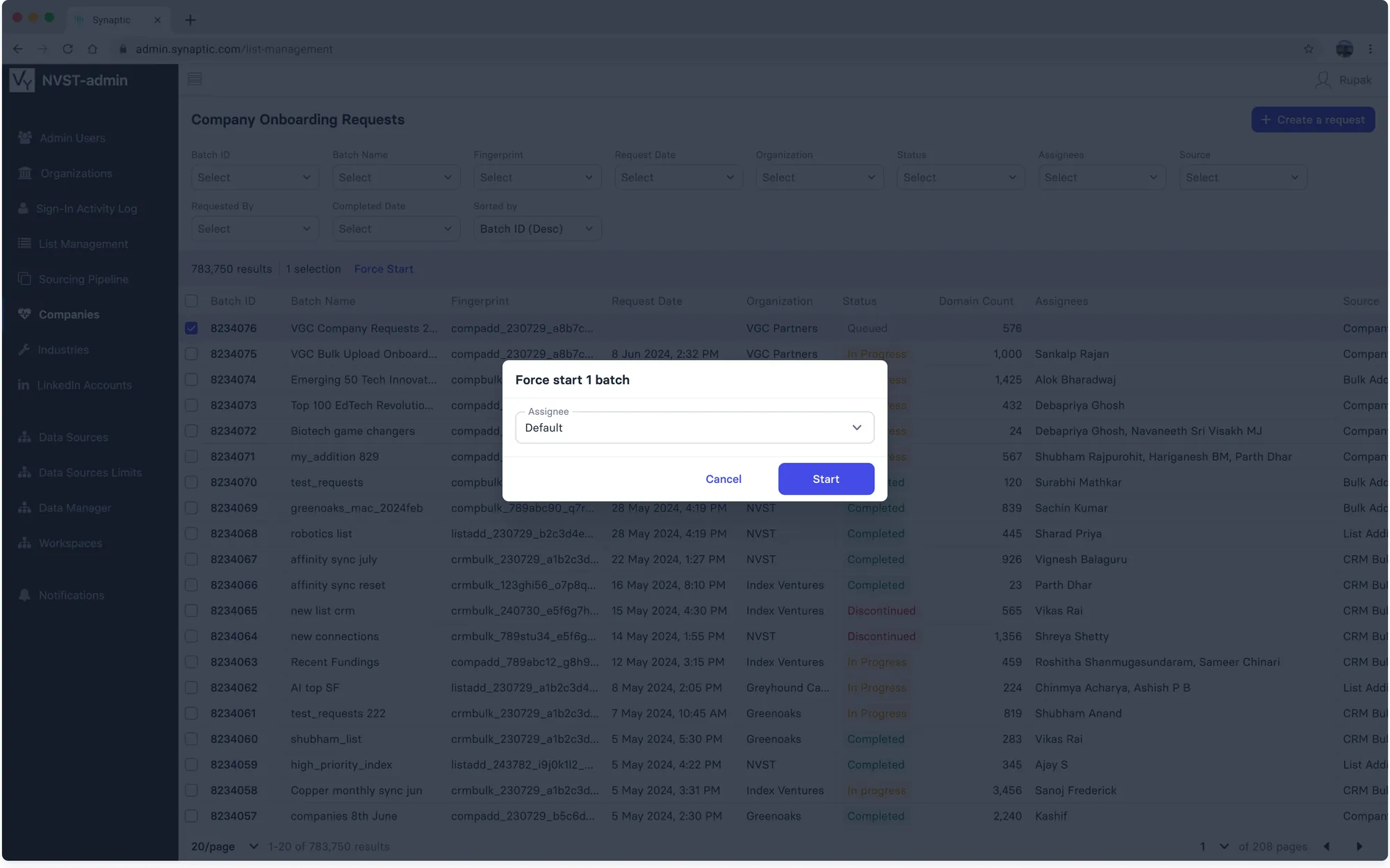
- A queued batch can be force-started from the requests page
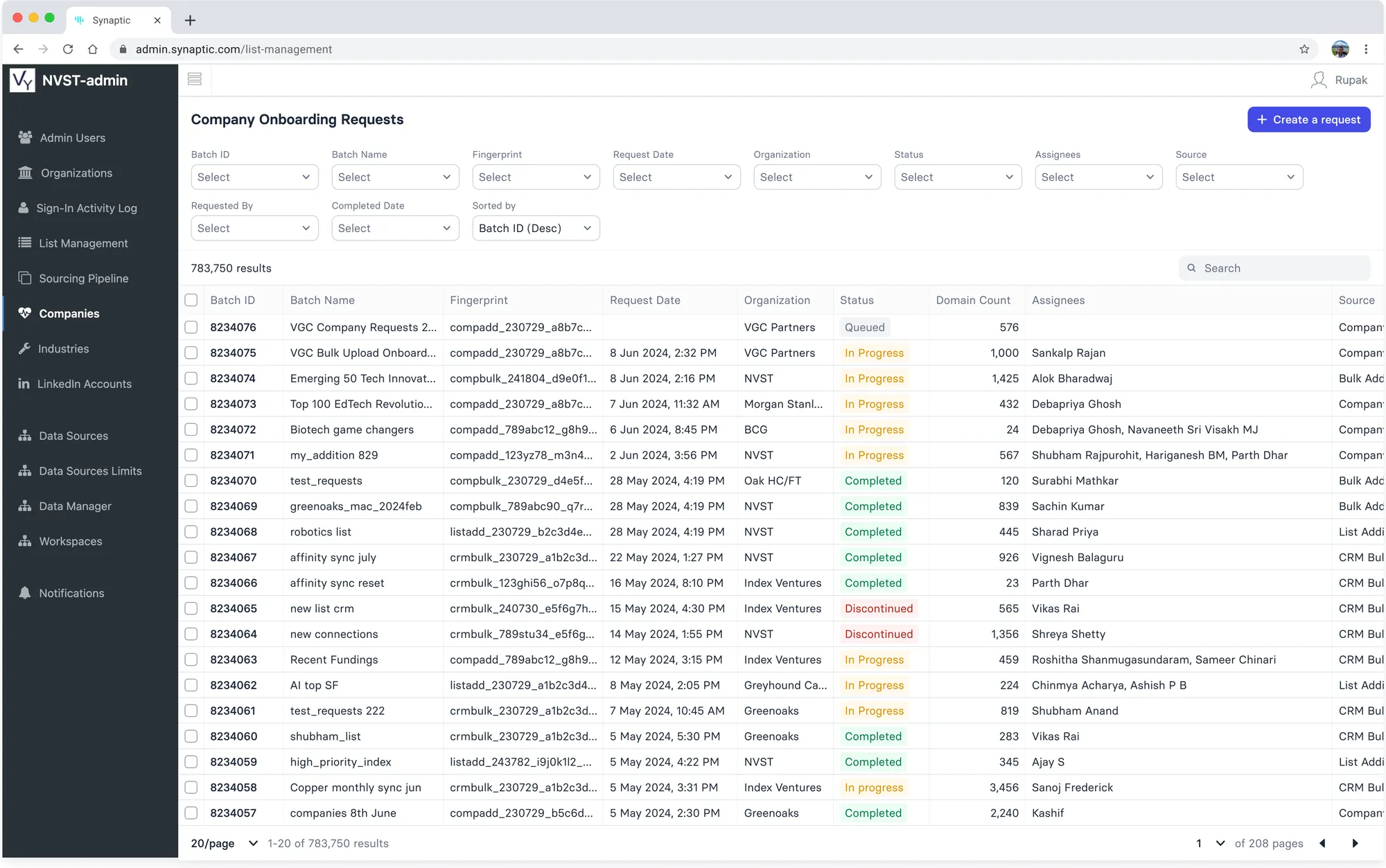
Queued
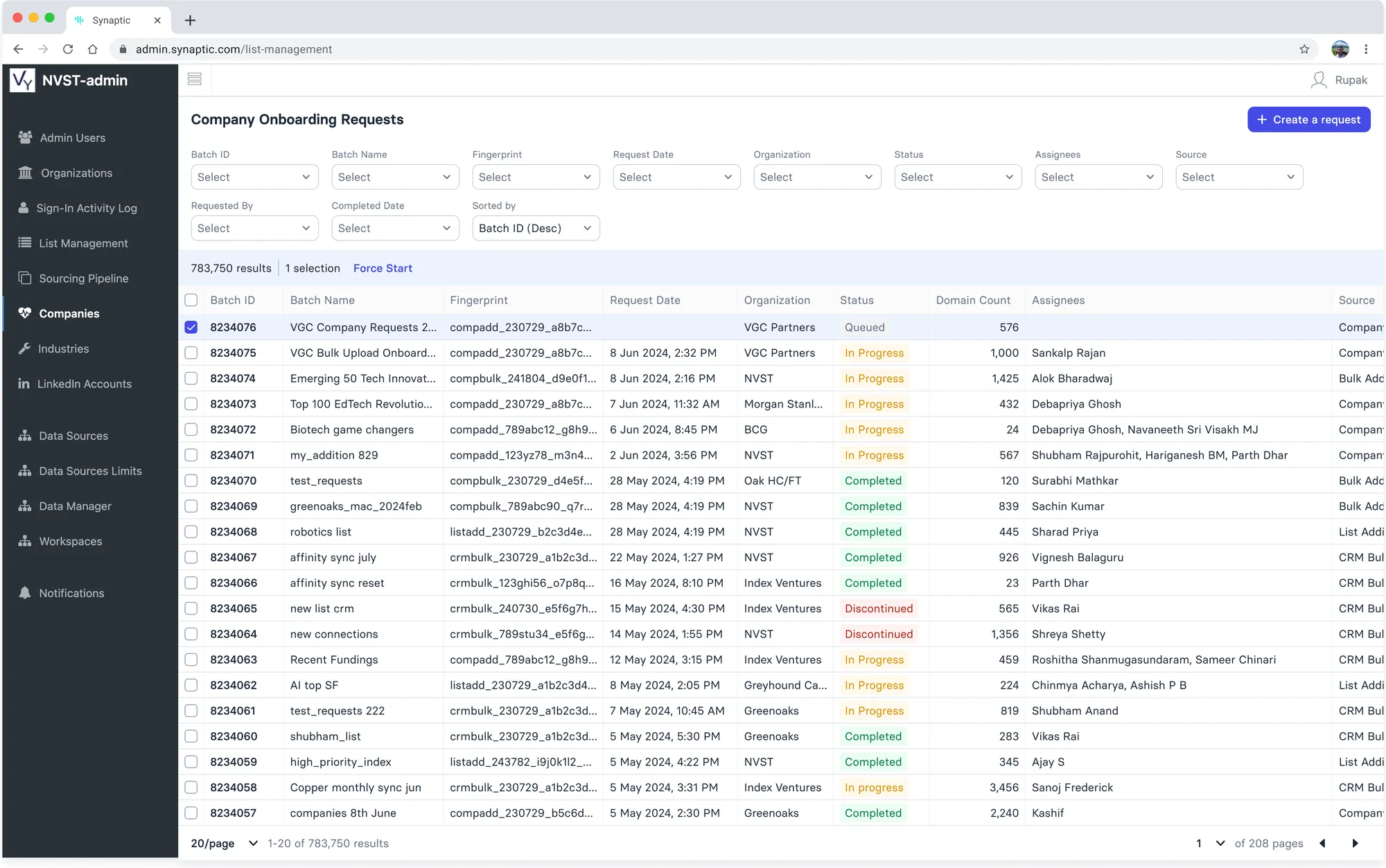
Force Start
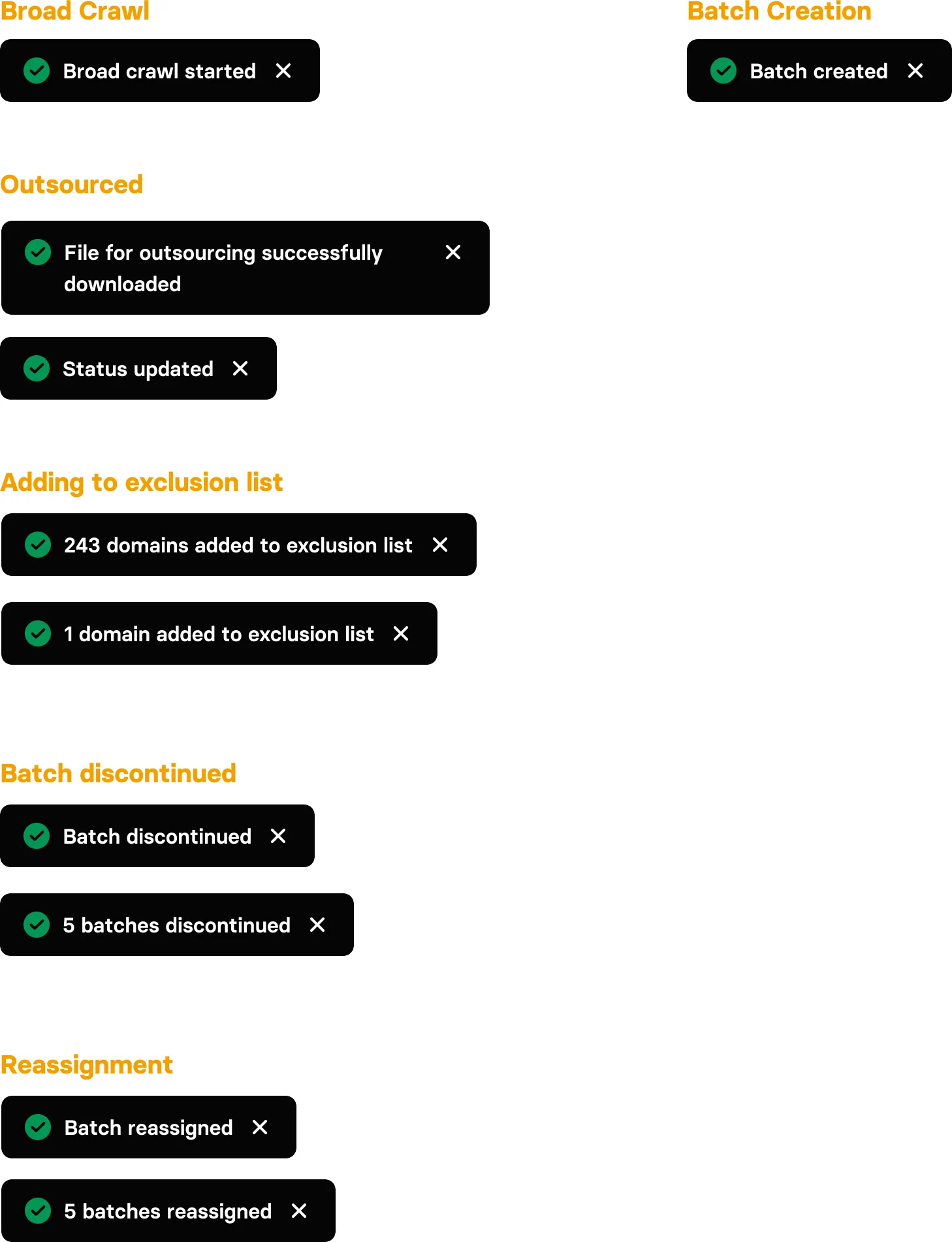
Toast Messages
Processing Warning
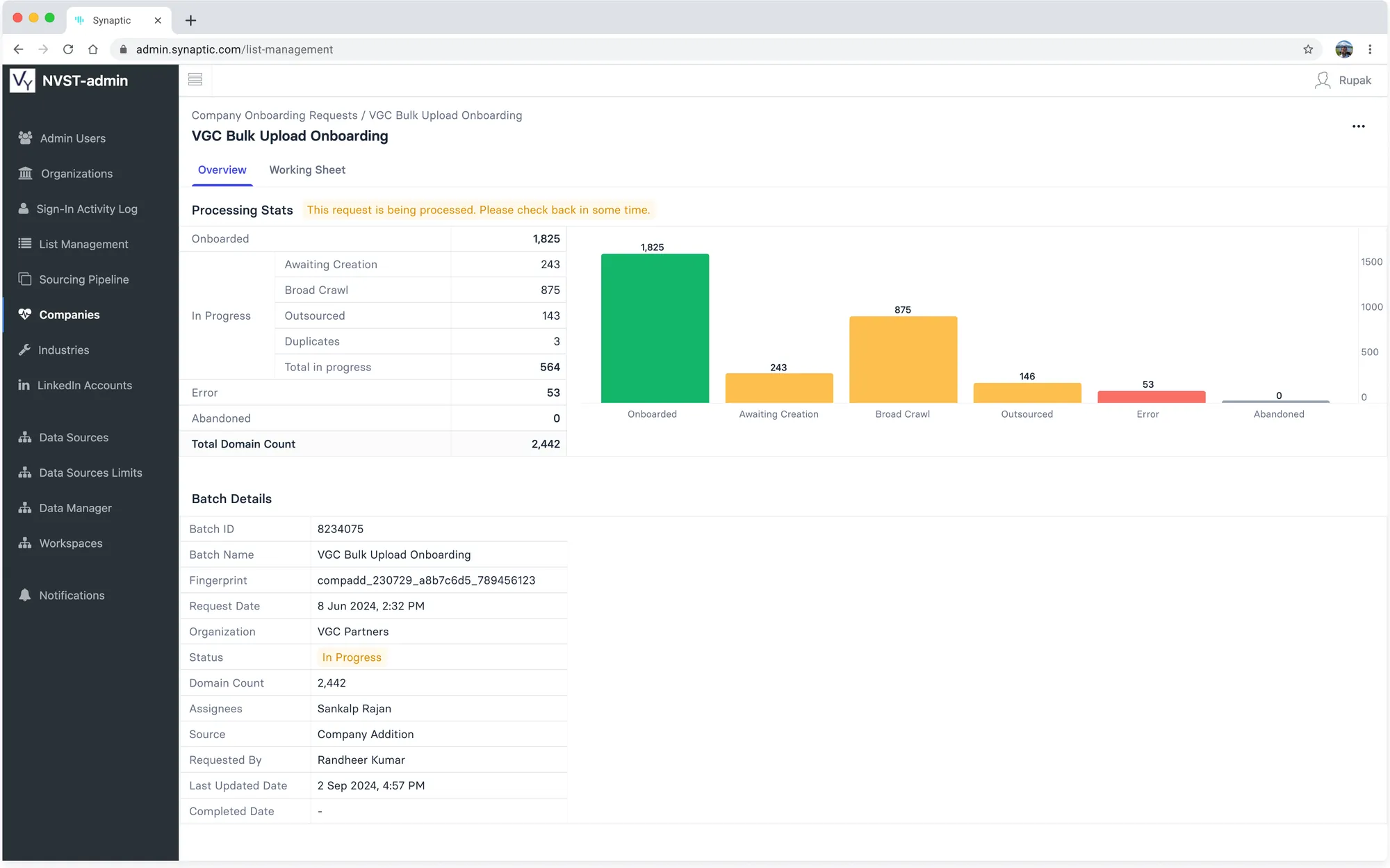
Later update: a warning while a request is still being processed, plus a Duplicates count