Project Description
PIPPIN was designed as an interactive pursuer-type bot. This was an experimental pet project done in a group of 2. PIPPIN was inspired by the “Pass the Butter” bot from the TV series, Rick and Morty.
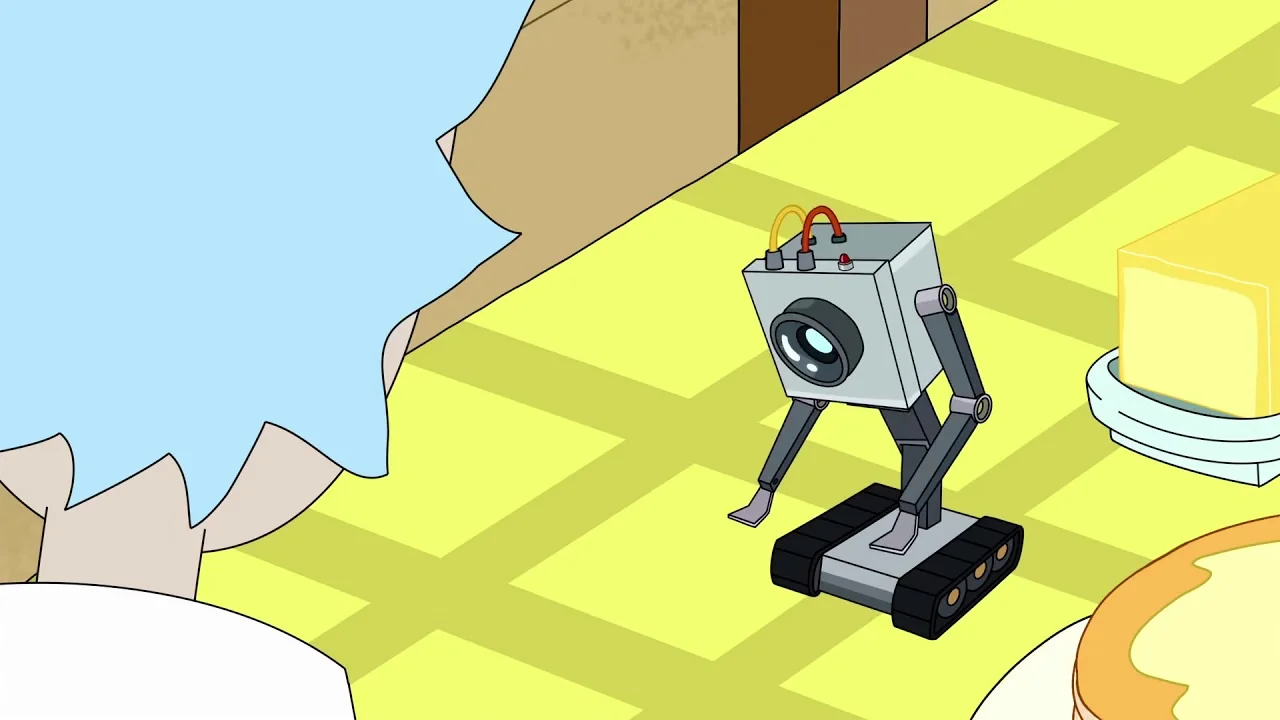
“What is my purpose?” - Pass the butter bot, Rick and Morty
Objectives
To construct a pursuer bot which:
- can search for a predefined object/colour in its vicinity
- upon positive detection, can move freely in all directions to chase the object till it is within a certain distance
Control Unit
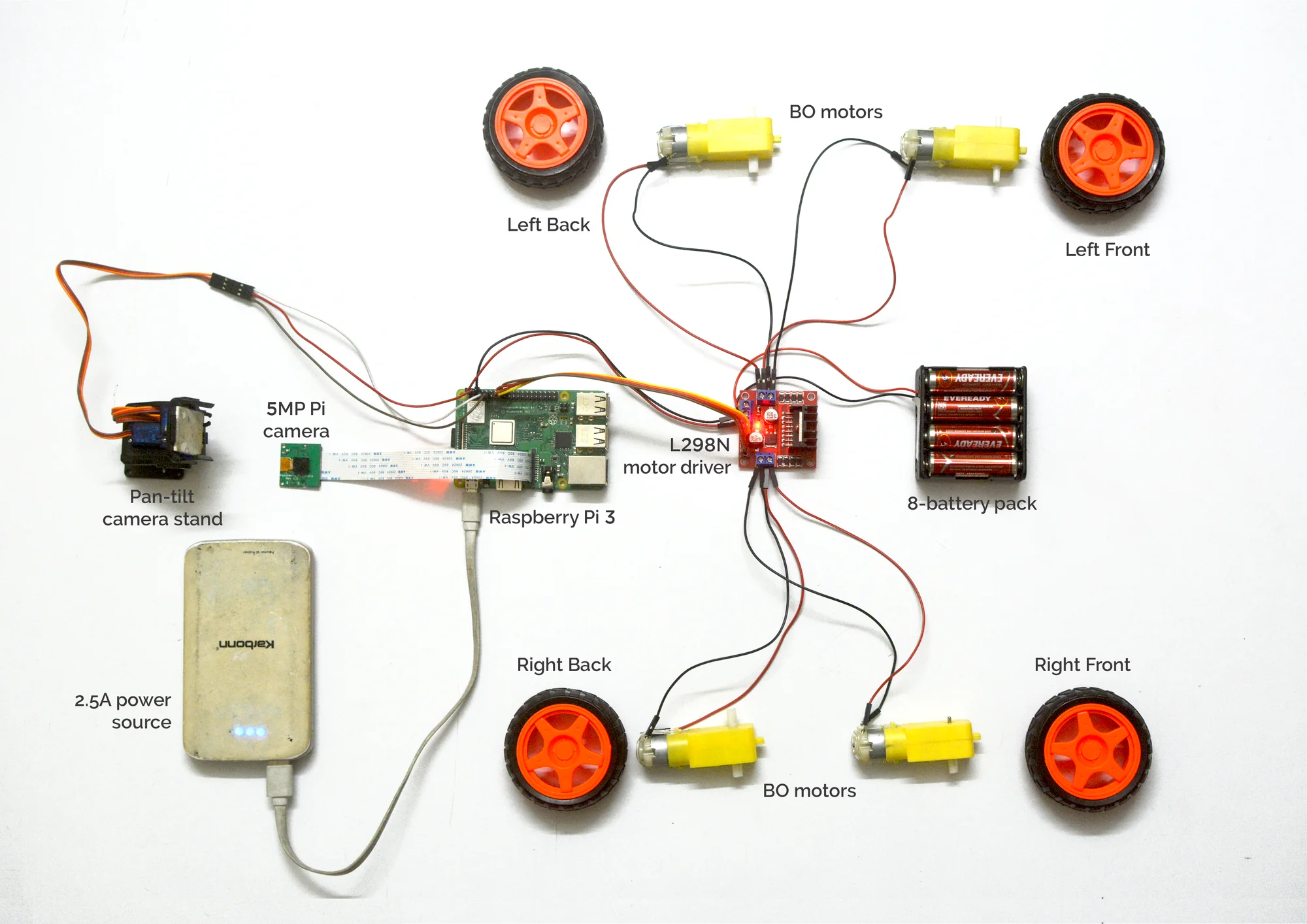
The main control unit is a Raspberry Pi 3B+, which is connected to four BO motors (via an H-bridge) for moving the wheels, a camera for visuals, and a set of servo motors for pan-tilt movement of the camera stand.
Hardware Schematic
This schematic shows the connections between various components of the bot. Movement and locomotion is taken care of by the motor drivers with the BO motors, while the camera along with its servo-motor controlled stand takes care of the object detection visual system.
Real-Time Object Detection and Movement
The camera pans horizontally scanning for an object with a certain pre-specified colour; on detection, it is programmed to move towards the object till it is within certain distance. The RPi is wifi enabled and all object-detection happens in real-time, although there is a minimum latency lag.
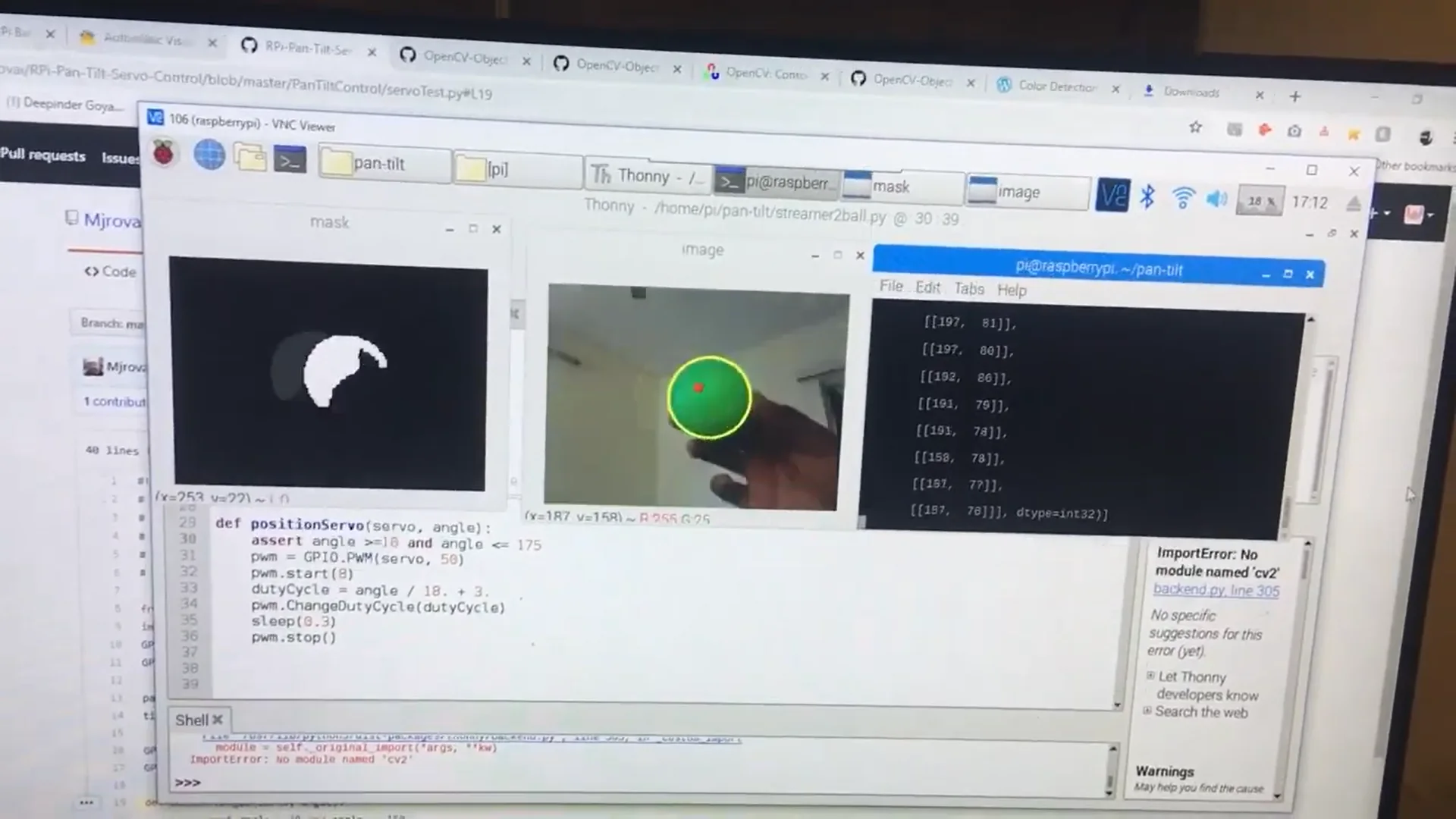
Display connected to the Raspberry Pi showing live object detection inputs and outputs
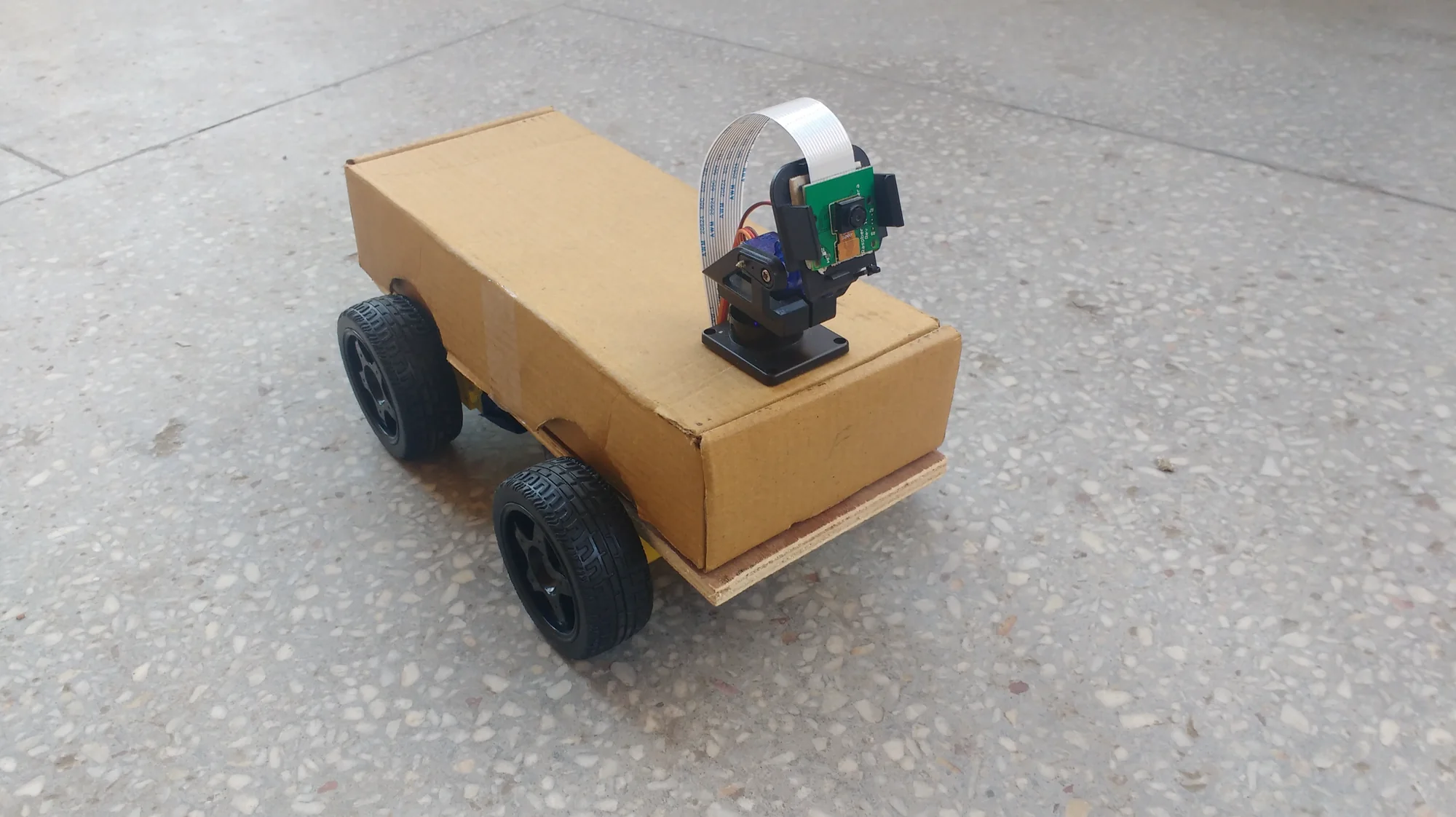
View of the bot
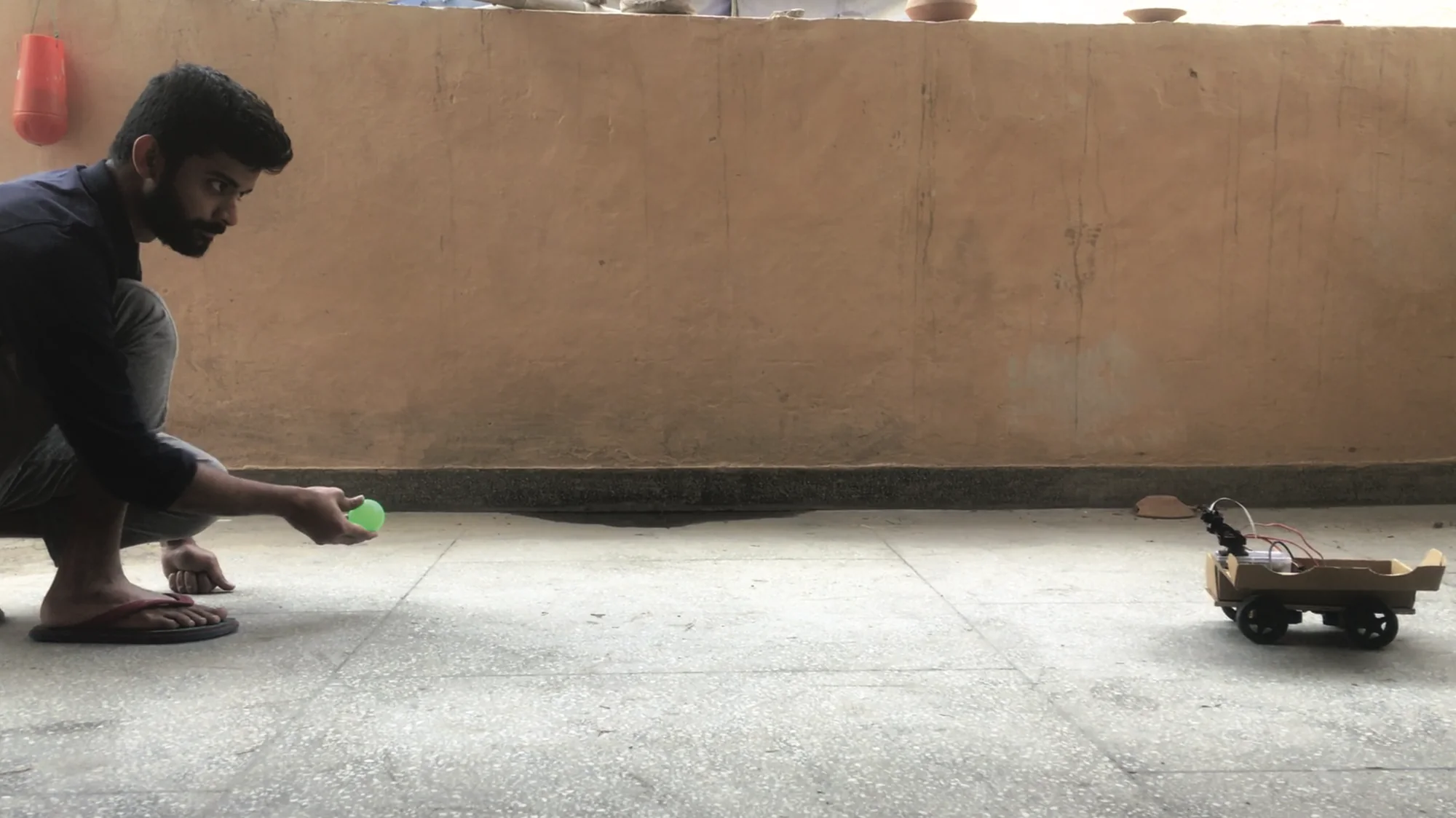
View of the bot and the target object (the green ball)
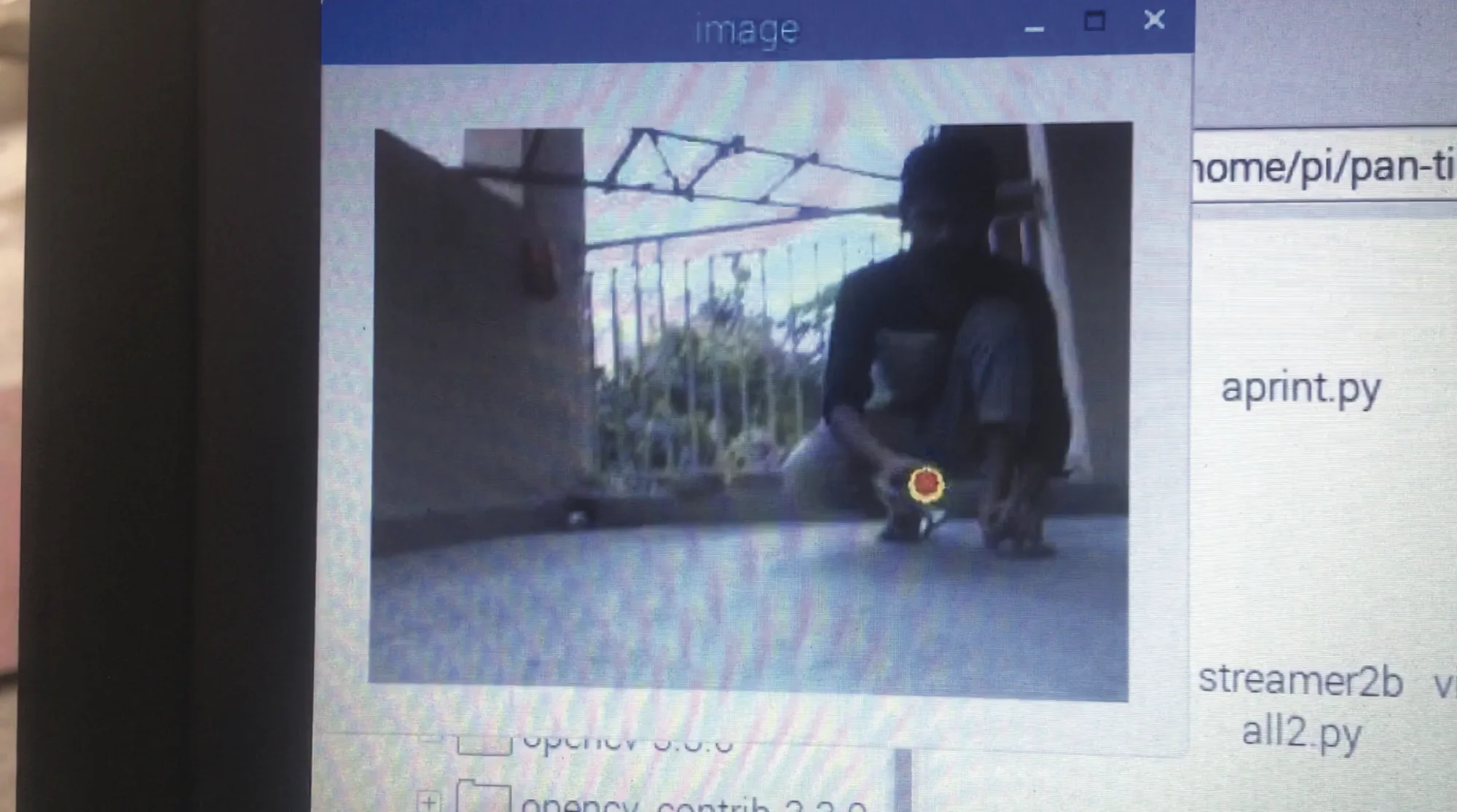
View of the target object as seen by the camera on the bot